External Display Browser
Blog de XeOS: External Display Browser
Artículos y guías paso a paso para sacarle el máximo partido a tu iPhone o iPad en un monitor externo, una tele o una pantalla portátil.
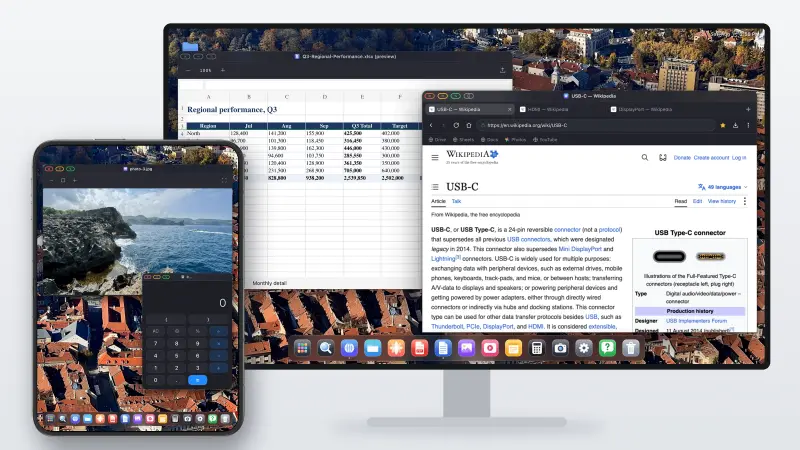
Does iPhone Duo Support Desktop Mode? What Changed, and What Didn't
Short version: no. The iPhone Duo brought Split View to the iPhone for the first time, so you can have two apps open side by side on the inner screen. That's it for multitasking. Plug it into a monitor and you still get a mirror of the phone, two windows at most, scaled up and surrounded by black space. Below is what the Duo actually adds, what happens on an external display, and how the XeOS app finally gives you a real multi-screen desktop mode.
Leer el artículo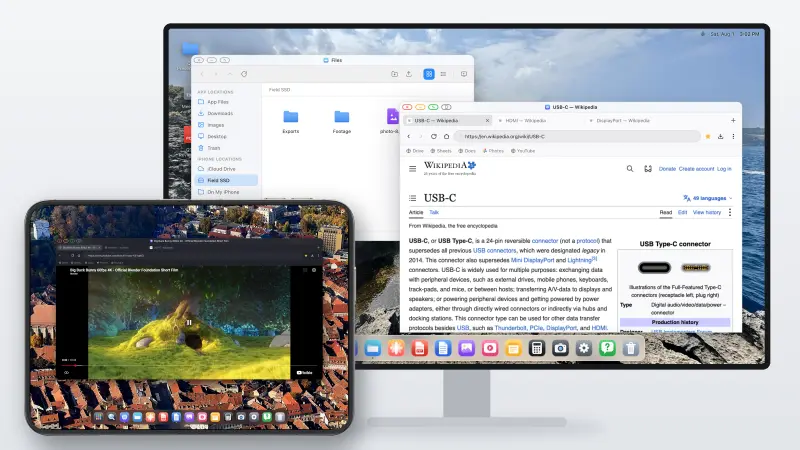
iPhone Duo: Here's an Alternative to Samsung DeX
The iPhone Duo finally lets an iPhone show two apps at once. What it still doesn't do is what Samsung DeX has done since 2017: turn the phone into a desktop when you plug it into a monitor. Here's where the Duo stops, and how to get a DeX-style desktop on an external display with it today, with the Duo's own screen working as a second display alongside.
Leer el artículo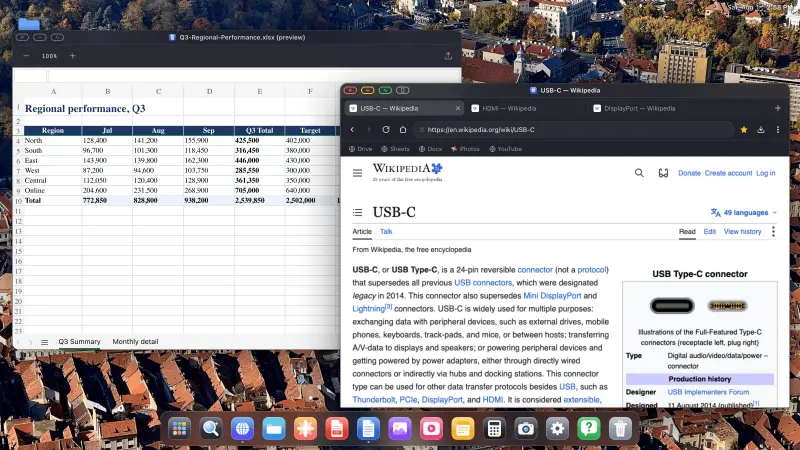
Did iOS 27 Add Desktop Mode to the iPhone? The Real Answer, and What to Use Instead
Short version: no. iOS 27 did add a few multitasking features, but only for the iPhone Duo, and nothing for any other iPhone. Plug a regular iPhone into a monitor with iOS 27 and you still get a mirror, phone-shaped, floating between two black bars. Below is what iOS 27 actually changed, what it didn't, and how to get a desktop on a big screen without waiting for Apple.
Leer el artículo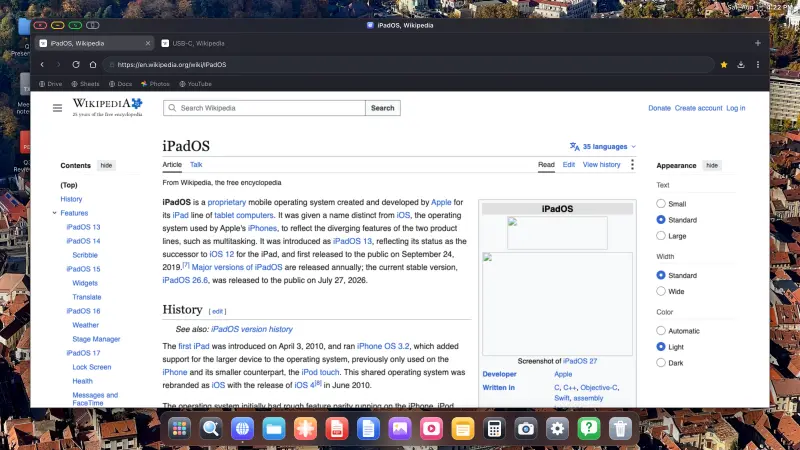
Did iOS 26 Add Desktop Mode to the iPhone? The Real Answer, and What to Use Instead
Short version: no. There is still no desktop mode on the iPhone in 2026. Plug your phone into a monitor with stock iOS and you get a mirror, phone-shaped, floating between two black bars. Below is what happened with the rumours, what iOS does and doesn't give you today, and how to get a desktop on a big screen without waiting for Apple.
Leer el artículo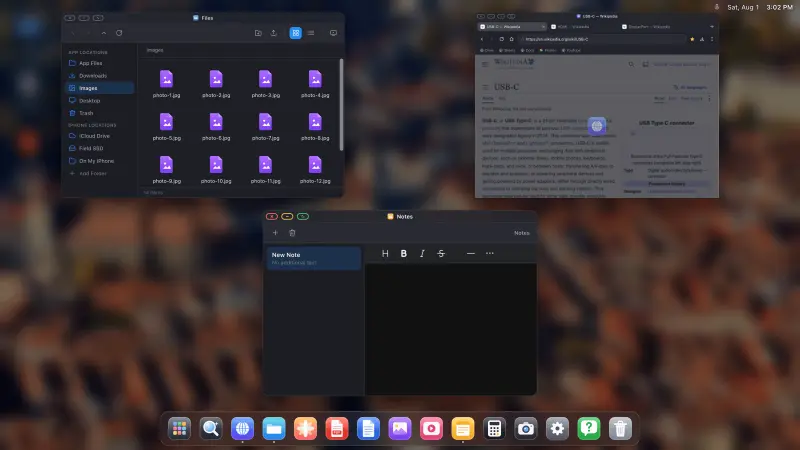
Convierte tu iPhone en un escritorio: qué es posible en 2026
Los iPhones modernos tienen más potencia de procesamiento que los portátiles con los que la mayoría de la gente estaba encantada hace unos años, un puerto capaz de controlar una pantalla 4K, y ningún modo escritorio. Esto es una auditoría directa de lo que puedes y no puedes hacer hoy: qué funciona, qué no, cuánto cuesta, y para quién es.
Leer el artículo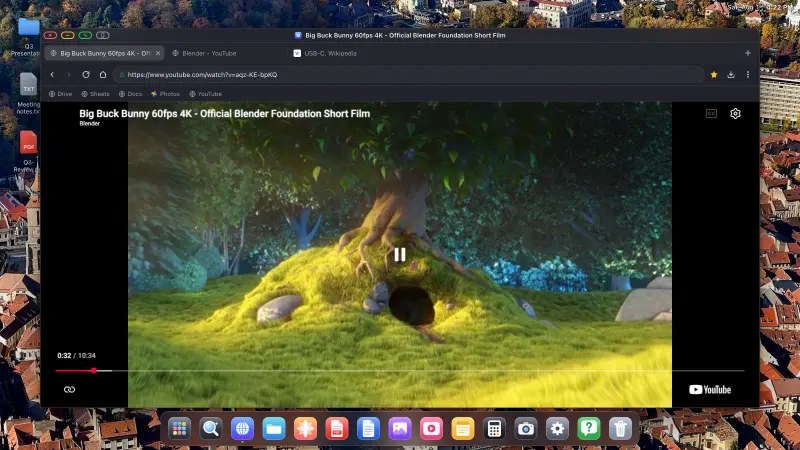
How to Watch YouTube on a TV From Your iPhone, Full Screen, No Black Bars, No Ads
There's a cable in the drawer, a TV on the wall, and YouTube on your phone. Getting the video to fill the whole TV rather than a phone-shaped rectangle in the middle of it, without an ad every four minutes, takes one app and about five minutes.
Leer el artículo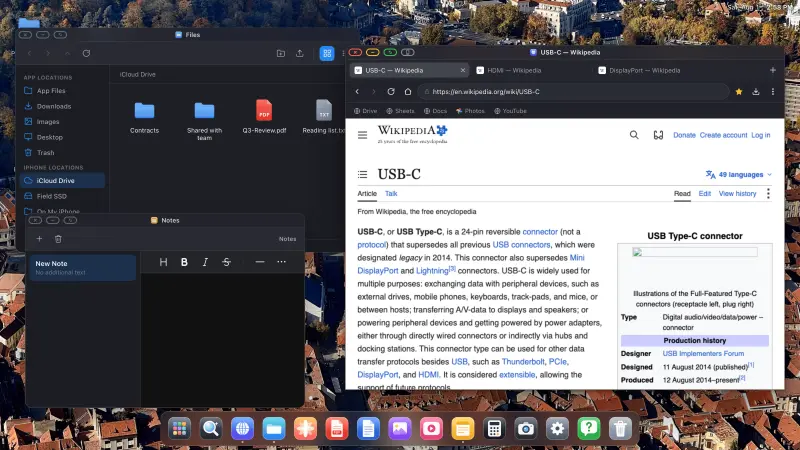
iPad External Display Without Stage Manager: Full-Screen on Any Model
If your iPad doesn't have an M-series chip, Apple gives you exactly one option on an external monitor: mirroring. There's no way to extend the desktop rather than duplicate it, so what reaches the monitor is a copy of your iPad's screen, in your iPad's shape, on a panel that isn't that shape. This is why that happens, and how to get a full-screen desktop on any iPad regardless of what's inside it.
Leer el artículo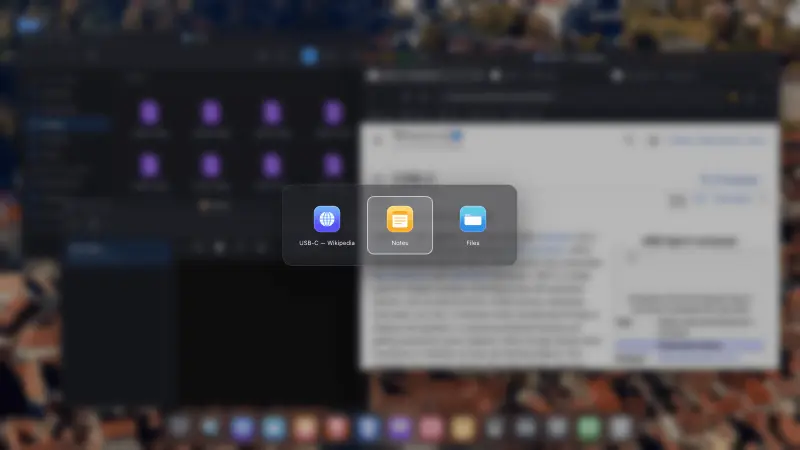
Looking for a shiftscreen Alternative? Here's What Full-Screen External Display Browsing Looks Like in 2026
If you've searched for a shiftscreen alternative you already know the problem: you want your iPhone or iPad to put something useful on an external monitor, filling the screen, without the black bars mirroring leaves behind. Below are the options that exist, why most "alternative" lists send you the wrong way, and where XeOS fits.
Leer el artículo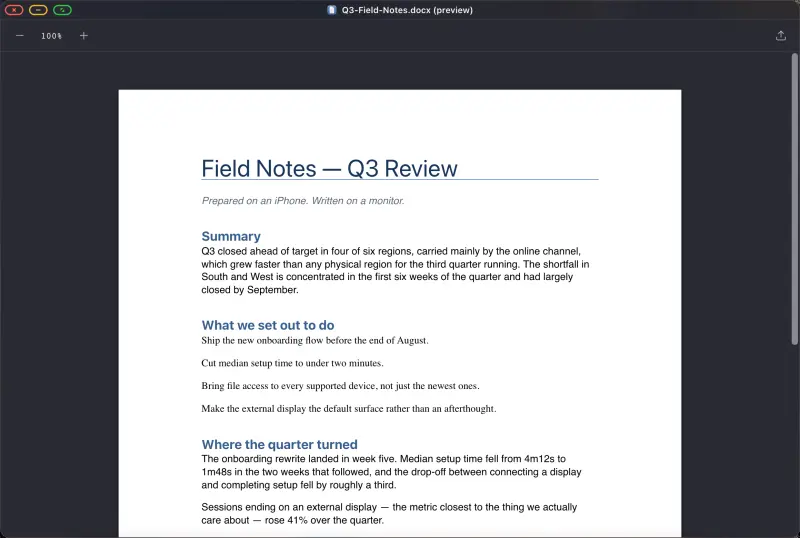
Usar un iPhone como portátil para viajar: la configuración sin ordenador que funciona
Dejar el portátil en casa es una buena idea hasta que necesitas hacer algo que exige una pantalla de verdad. Esta es la configuración que cierra ese hueco: un teléfono, una pequeña bolsa de accesorios, y un escritorio que aparece en el monitor o la tele que haya en la habitación. Menos de medio kilo, y cabe en el bolsillo de una chaqueta.
Leer el artículo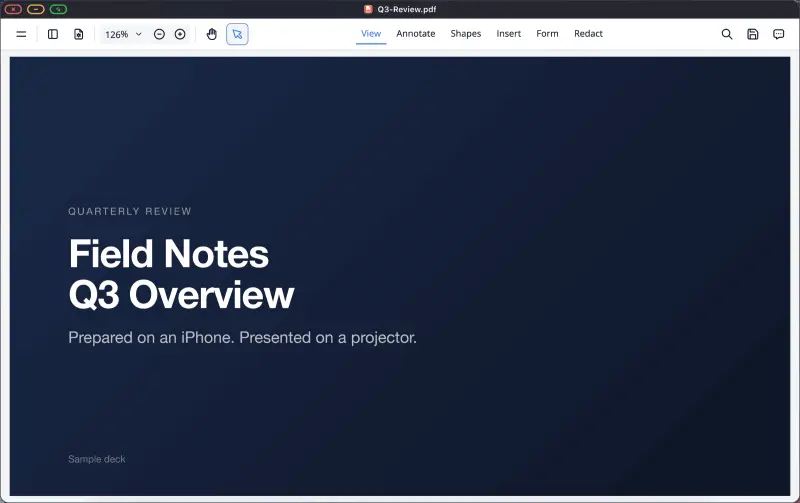
How to Present a PDF Full-Screen From Your iPhone to a Projector
Teachers, students, and anyone who has ever been handed a room and a projector five minutes before speaking: you don't need a laptop. A phone, an adapter and a PDF of your slides make a complete presenting setup, and unlike the browser route it works with no network at all.
Leer el artículo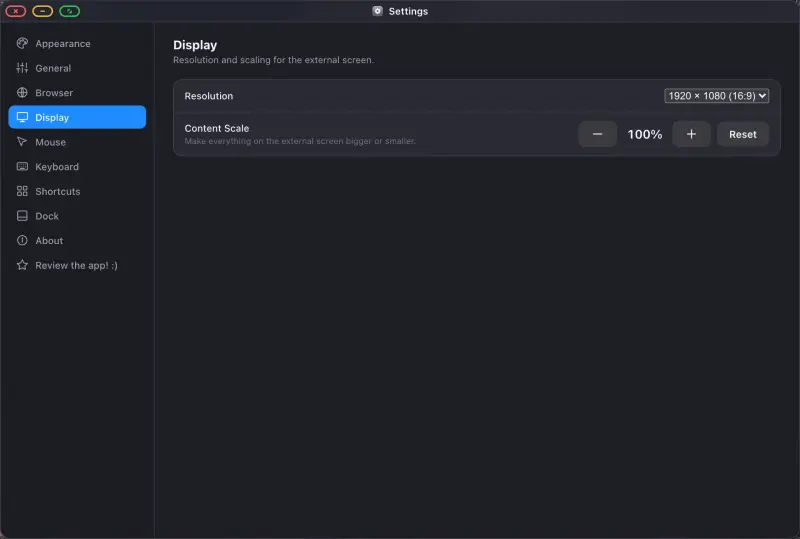
Configurar un monitor externo en el iPhone: qué cable necesitas, según el modelo
Todos los iPhone fabricados en la última década pueden mostrar una imagen en un monitor. Lo que cambia según el modelo es el conector, el adaptador y cuánto deberías esperar del resultado. Busca tu teléfono abajo, compra lo correcto una sola vez, y consigue una pantalla completa en lugar de una franja con forma de móvil en medio de una.
Leer el artículo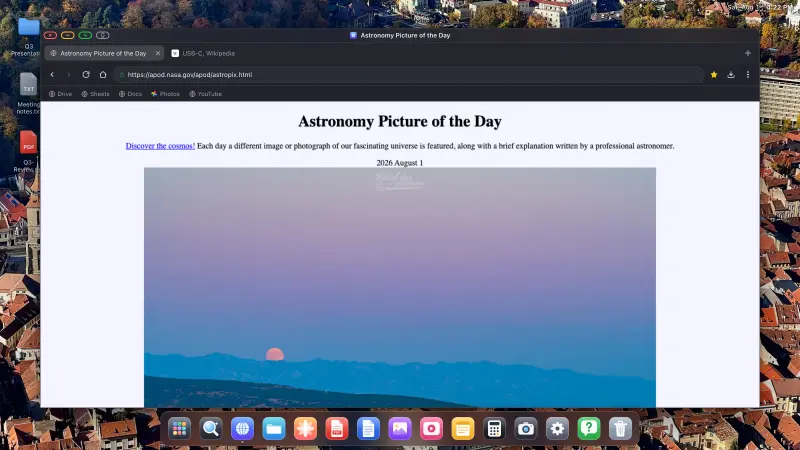
¿Se puede conectar un iPhone a un monitor portátil? Sí, así se hace bien
Los monitores portátiles ahora son baratos, y la pregunta surge constantemente: ¿funcionará uno con un iPhone? Sí. Un cable USB-C, y muchos monitores portátiles llevarán tanto vídeo como corriente por él. Pero hay una pega que nadie pone en la ficha del producto, y vale la pena conocerla antes de comprar.
Leer el artículo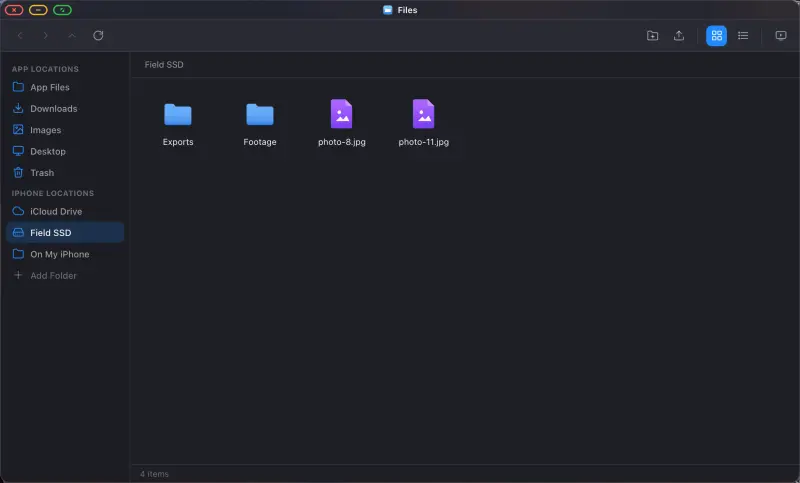
iPhone + USB-C Hub + External SSD: The Power-User Setup for Working Off a Phone
A phone with one port makes you choose: screen, or storage, or power. A hub removes the choice, and once you can mount a drive next to a monitor you've stopped using a phone and started using a small computer. What to buy, what to avoid, and how the mounted drives work.
Leer el artículo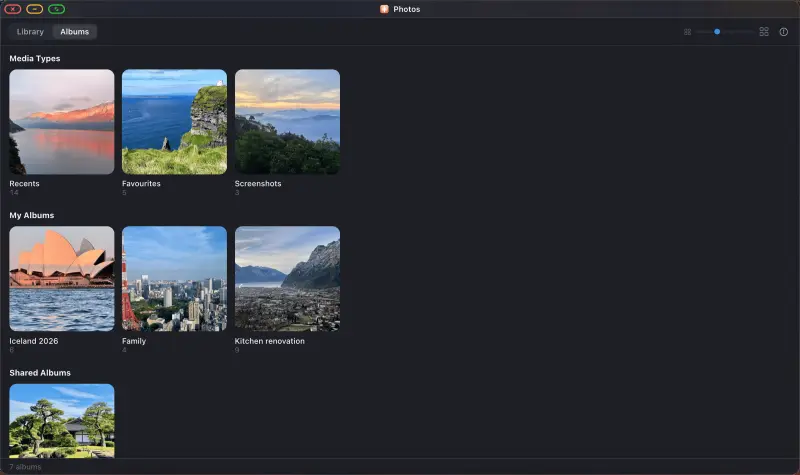
How to Put a Photo Slideshow on a TV From Your iPhone, for Homes, Shops and Events
A screen showing your photos on a loop: at Christmas, at a wedding reception, in a shop window, on a stand at a trade show. You don't need a media player, a smart TV app, or a computer humming away in a back room. An iPhone, a cable and a display will do it, and it can run all day.
Leer el artículo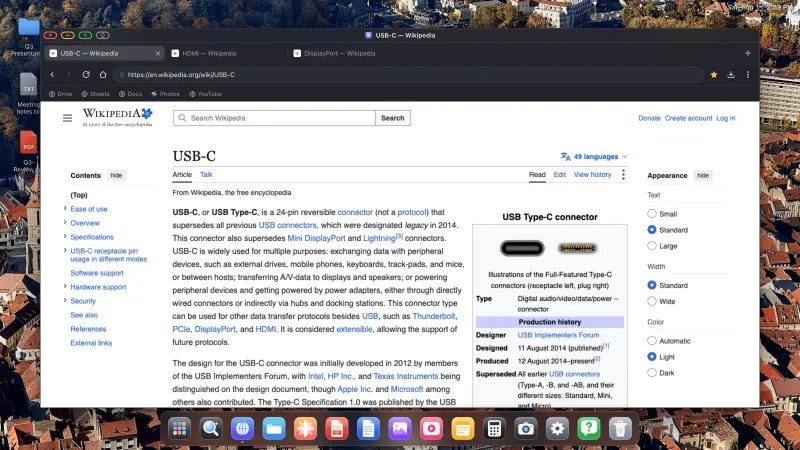
How to Use Your iPhone with an External Monitor, Full Screen
Most people wire an iPhone to a monitor once, see a tall phone-shaped picture floating between two black bars, and never try again. The monitor is fine. The cable is fine. That's just what stock iOS does. Below is the setup that uses the whole panel instead: a desktop, at the monitor's own resolution, driven from the phone in your hand.
Leer el artículo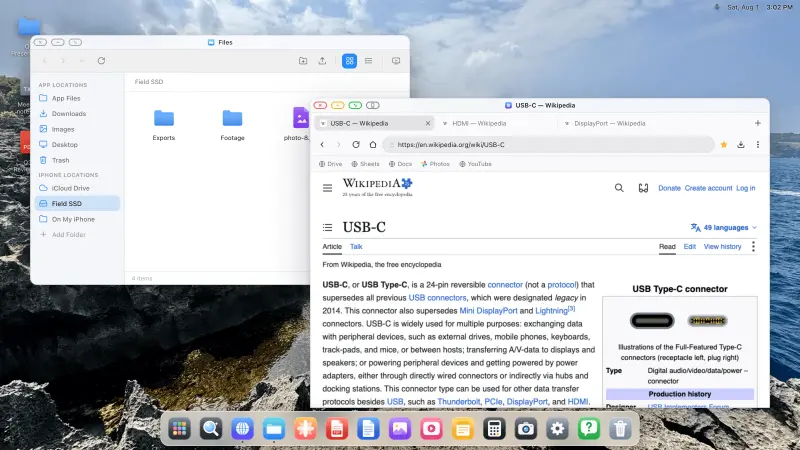
How to Connect Your iPhone to a Portable Monitor, Full Screen
Portable monitors fold flat, weigh almost nothing, and give you a real screen anywhere. Most people carry a laptop to drive one. You don't have to. A phone, a cable and the right app get you a full desktop on that panel, edge to edge, with no laptop in the bag at all.
Leer el artículo
La mejor forma de extender tu iPhone a una tele o un monitor
AirPlay, un adaptador HDMI, las propias apps de una smart TV. Hay varias formas de llevar un iPhone a una pantalla grande, y la mayoría te dan lo mismo, decepcionante: una imagen con forma de móvil con bandas negras a los lados. Esto es lo que te da cada vía, y cuál llena el panel.
Leer el artículo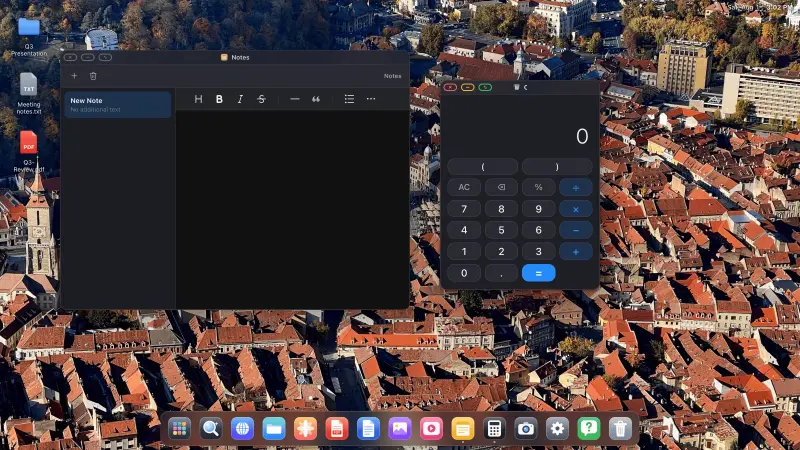
Ahora hay una alternativa real a Samsung DeX para iPhone
Conecta un Galaxy a un monitor y Samsung DeX te da una barra de tareas, ventanas redimensionables y un cursor. Conecta un iPhone y iOS te da un duplicado. Apple todavía no ha lanzado un modo escritorio, pero el hueco ya no es insalvable: hay una app que pone un escritorio con ventanas en la pantalla externa.
Leer el artículo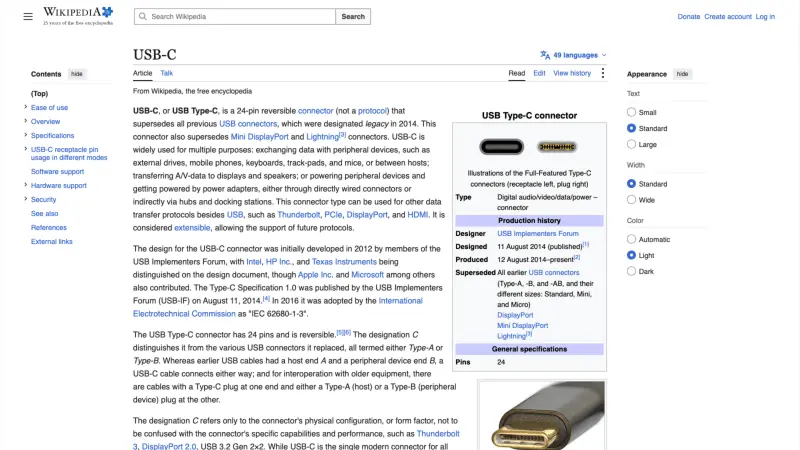
Cómo quitar las bandas negras de la pantalla externa de tu iPhone
Conectas un teléfono a un monitor y obtienes una pequeña ventana vertical flotando en un mar de negro. El monitor no está roto, el cable no está mal, y no hay ningún ajuste oculto de iOS que se te haya pasado. Las bandas negras son un comportamiento del software, y exactamente dos cosas las causan. Ambas se pueden arreglar.
Leer el artículo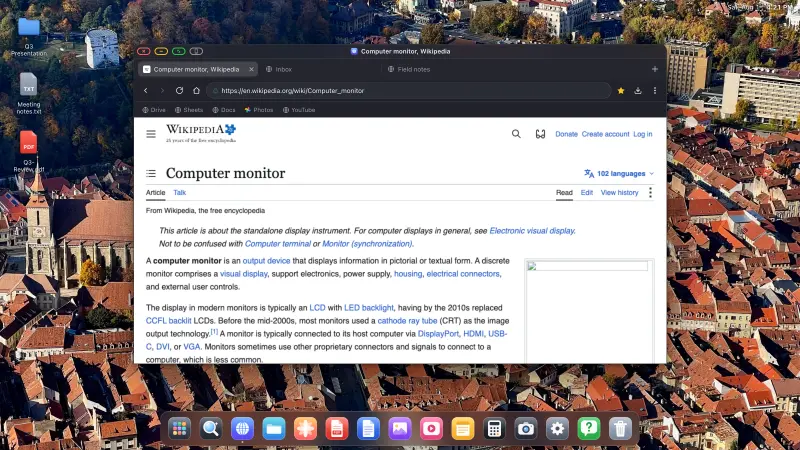
Broken iPhone or iPad Screen? Give It a Second Life on a Monitor
A green line down an iPhone screen. A black strip across an old iPad. A display that flickers, has dead touch, or stays black while the phone still rings. If the device still powers on and can output video, it does not have to become drawer clutter. Connect a monitor and XeOS gives it a usable desktop, often with more room to work than it had when its screen was perfect.
Leer el artículoCómo hacerlo
Guías
How to Connect Your iPhone or iPad to a Monitor, TV or Projector, and Fill the Screen
Plugging an iPhone into a TV is easy. Getting a usable screen out of it is the hard part. Stock iOS mirrors your phone, so a 16:9 monitor shows a tall phone-shaped picture floating between two black bars. XeOS replaces that mirror with a desktop that uses every pixel the panel has. Do the setup on this page once and the rest of the guides here will assume you've done it.
Leer la guía completa
How to Watch YouTube Full Screen on a TV or Monitor From Your iPhone or iPad
You have a TV, an iPhone and a cable, and you want the video to fill the screen rather than sit in a phone-shaped rectangle in the middle of it. With XeOS that takes about five minutes: sign in, go full screen, and leave the built-in ad blocker doing its job.
Leer la guía completa
How to Run a Photo Slideshow on a TV From Your iPhone or iPad, Two Ways
Holiday photos on the living room TV, or a looping display in a shop window. Either way you don't need a computer, a media player or a smart TV app. An iPhone, a cable and XeOS will fill any screen with your photos. There are two routes, your own photo library or a Google Photos album in the browser, and they suit different jobs.
Leer la guía completa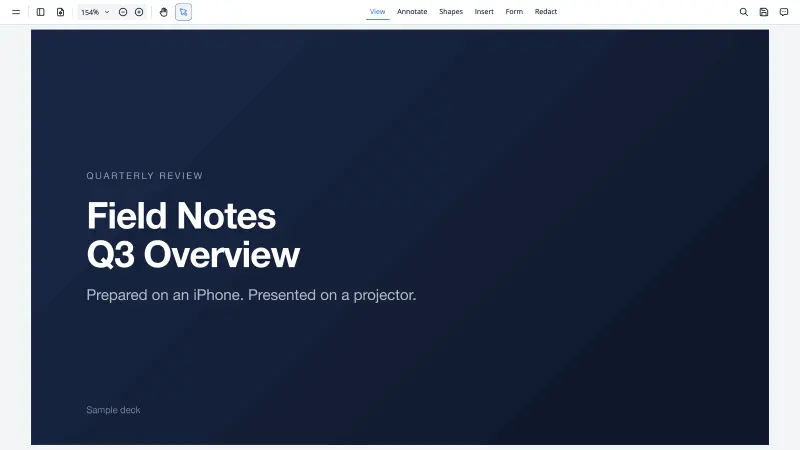
How to Present From Your iPhone or iPad When You Didn't Bring a Laptop
The projector is on, the room is waiting, and your laptop is somewhere else. With your phone and a cable you can still present properly, full screen, from the slides you already have. Two routes below: Google Slides in the browser, and the built-in viewer for a PDF you exported before you left. The second one works with no network at all.
Leer la guía completa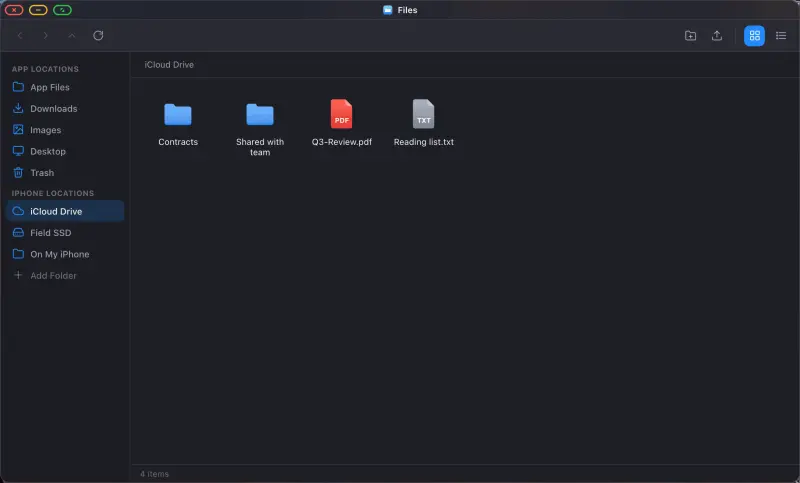
How to Browse Your Files, iCloud Drive and External Drives From Your iPhone or iPad
iOS keeps files at arm's length. The Files app is fine for grabbing one document, but it isn't a place you can work. XeOS gives you a file manager on the big screen, with a sidebar, two view modes, drag and drop and a trash, and it can mount folders from your phone, from iCloud Drive, and from a USB drive plugged into your adapter. Everything then opens in place, the way it does on a computer.
Leer la guía completaHow to Study and Work From Your iPhone: Google Drive, Docs, Sheets and Office Files on a Big Screen
Writing an essay in a phone-sized text box is miserable. On a 24-inch monitor with a real keyboard it's just writing. This guide covers using Google Drive, Docs and Sheets from an iPhone or iPad, opening the Word and Excel files people email you, and keeping your documents somewhere you can get at them.
Leer la guía completaPrueba XeOS: External Display Browser
Pantalla completa en cualquier monitor externo, tele o pantalla portátil. Sin bandas negras. Descárgalo en el App Store.