
 External Display BrowserViajes4 min de lectura
Usar un iPhone como portátil para viajar: la configuración sin ordenador que funciona
Dejar el portátil en casa es una buena idea hasta que necesitas hacer algo que exige una pantalla de verdad. Esta es la configuración que cierra ese hueco: un teléfono, una pequeña bolsa de accesorios, y un escritorio que aparece en el monitor o la tele que haya en la habitación. Menos de medio kilo, y cabe en el bolsillo de una chaqueta.
Qué llevar en la bolsa
| Elemento | Por qué |
|---|---|
| Adaptador multipuerto USB-C | HDMI para la pantalla, USB para una unidad, corriente de paso para que el teléfono se cargue. La pieza más importante de todas. |
| Cable HDMI corto | Las teles de hoteles y alquileres tienen un puerto; el cable suele estar en otra parte. |
| Teclado Bluetooth plegable | Escritura de verdad. No hace falta que sea caro. |
| Ratón Bluetooth pequeño | Convierte una pantalla grande en una estación de trabajo. Opcional, ya que la pantalla de tu teléfono es un trackpad. |
| SSD USB-C alimentado por bus | Fotos, material grabado, copias de seguridad. Se monta directamente. |
| Cargador con vatios suficientes | Controlar una pantalla y una unidad gasta corriente más rápido de lo que crees. |
Eso es menos de medio kilo, y nada de ahí necesita su propio cargador salvo el teléfono.
La mitad del software
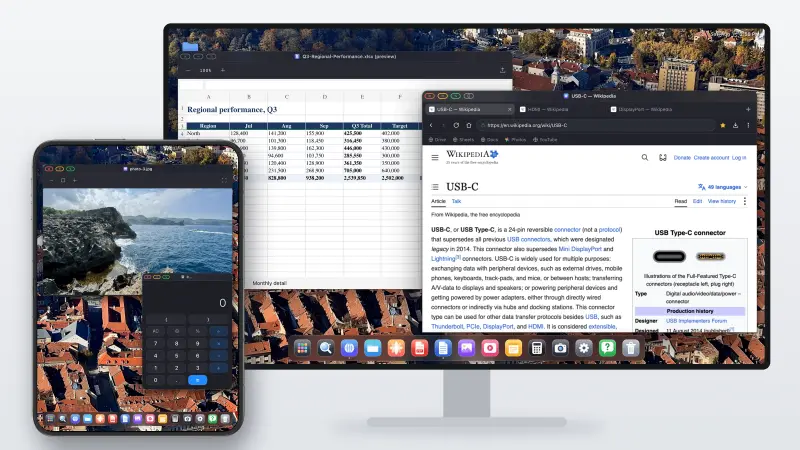
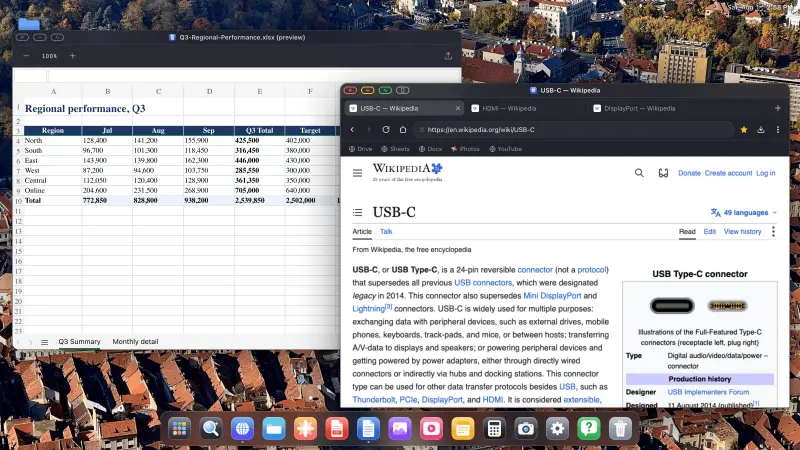
XeOS: External Display Browser es lo que convierte la pantalla en algo utilizable. El iOS de serie duplica tu teléfono, dándote una imagen con forma de móvil en medio de un panel panorámico con bandas negras a ambos lados. XeOS renderiza en su lugar un escritorio a la propia resolución de la pantalla: ventanas, un dock, un gestor de archivos, un navegador de escritorio.
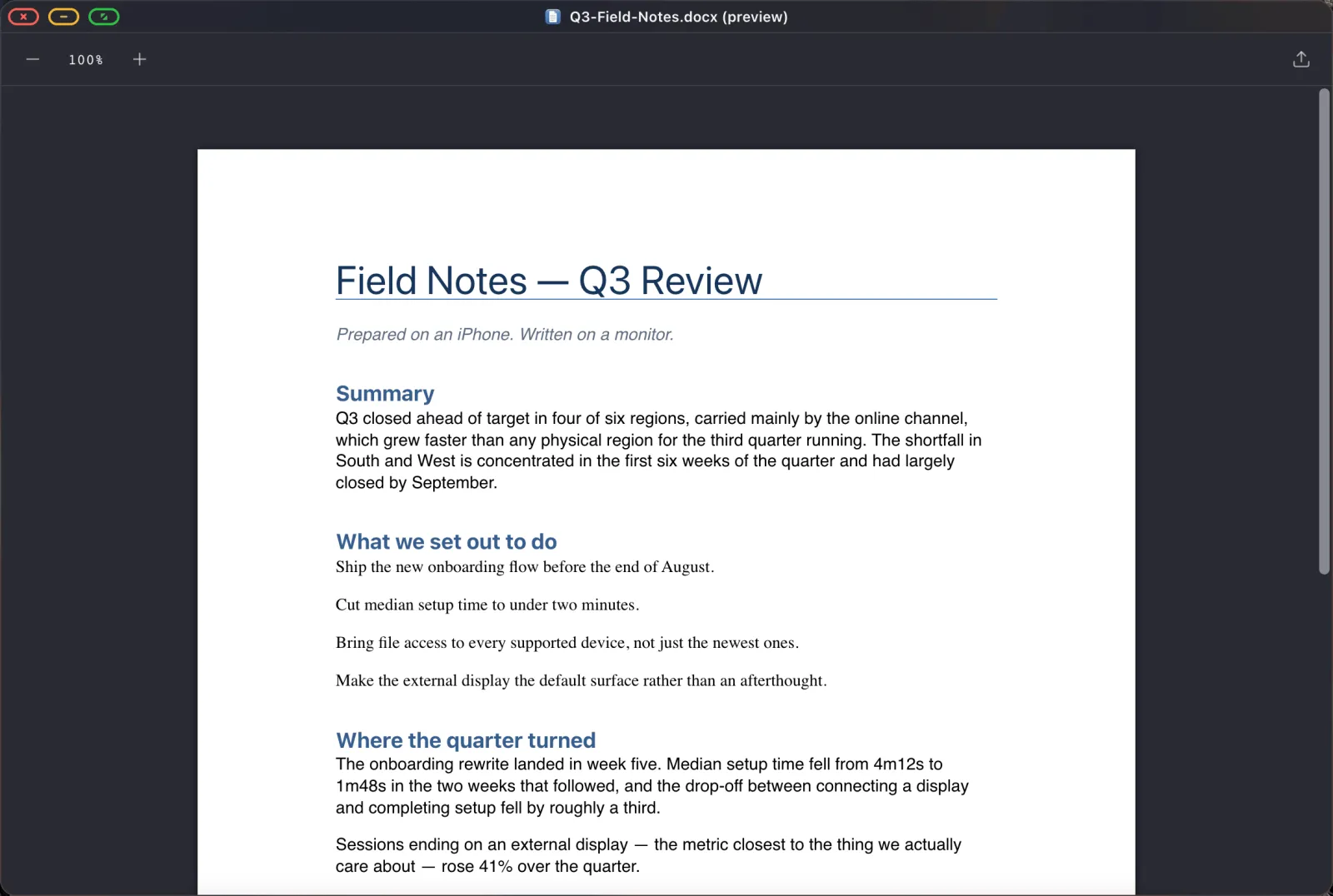
Cómo es un día de trabajo
Correo, documentos y hojas de cálculo
Como el navegador es un navegador de escritorio en una pantalla del tamaño de un escritorio, Gmail, Google Docs y Sheets sirven sus interfaces completas en lugar de las móviles. Sheets consigue una barra de fórmulas. Docs consigue atajos de teclado de verdad. Instala cada uno como su propia app del dock y te saltas por completo la búsqueda entre pestañas.
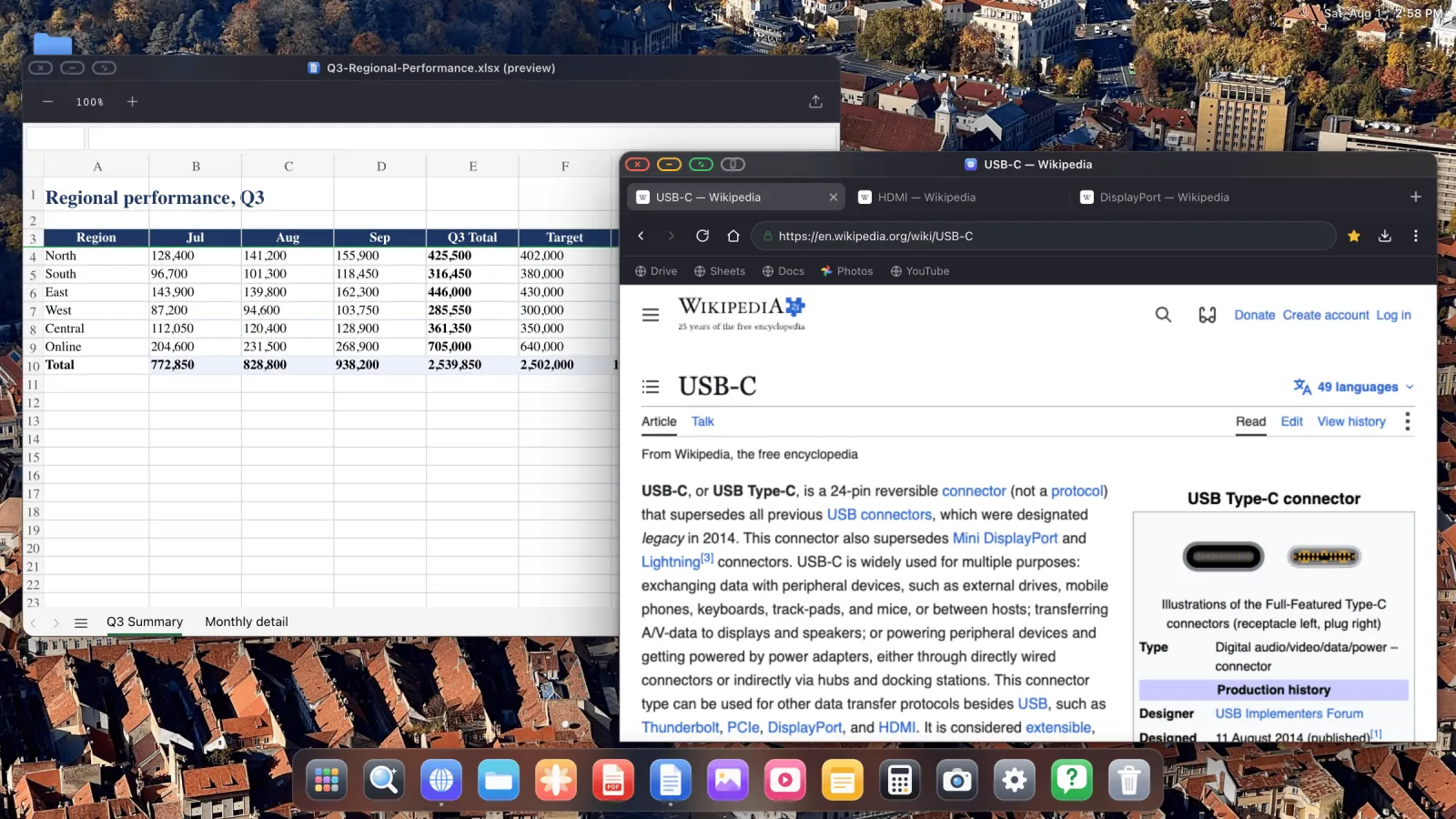
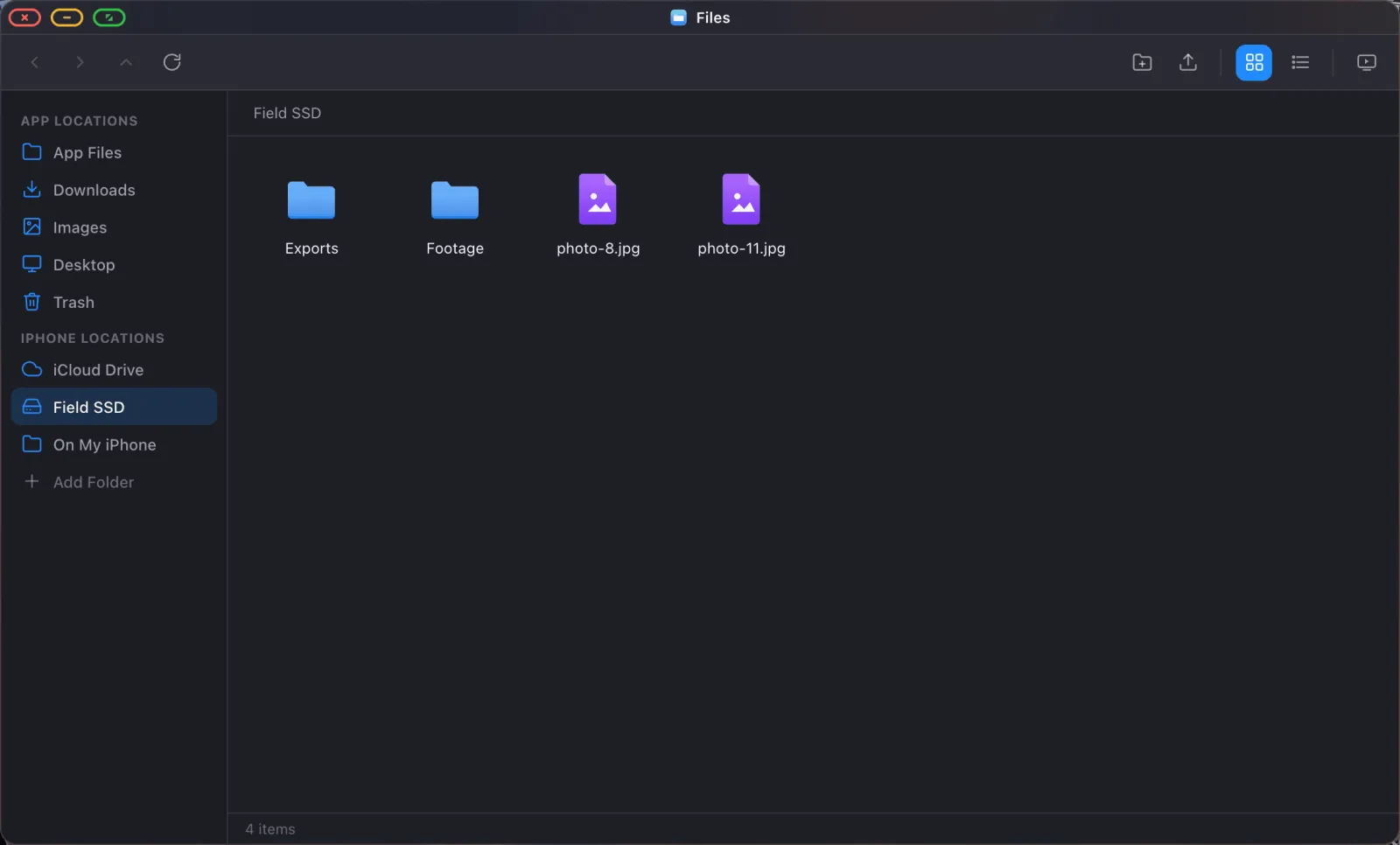
Archivos, incluido el SSD
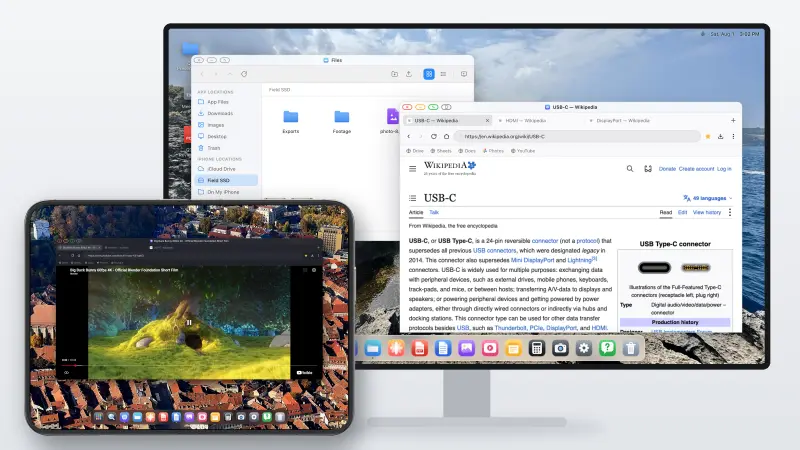
La app Archivos monta carpetas de iCloud Drive, del propio teléfono, y de una unidad USB en el adaptador. Una vez montadas, abres, editas y guardas en su sitio. Una tarjeta llena de fotos se vuelve explorable. Una carpeta de iCloud se convierte en un directorio de trabajo.
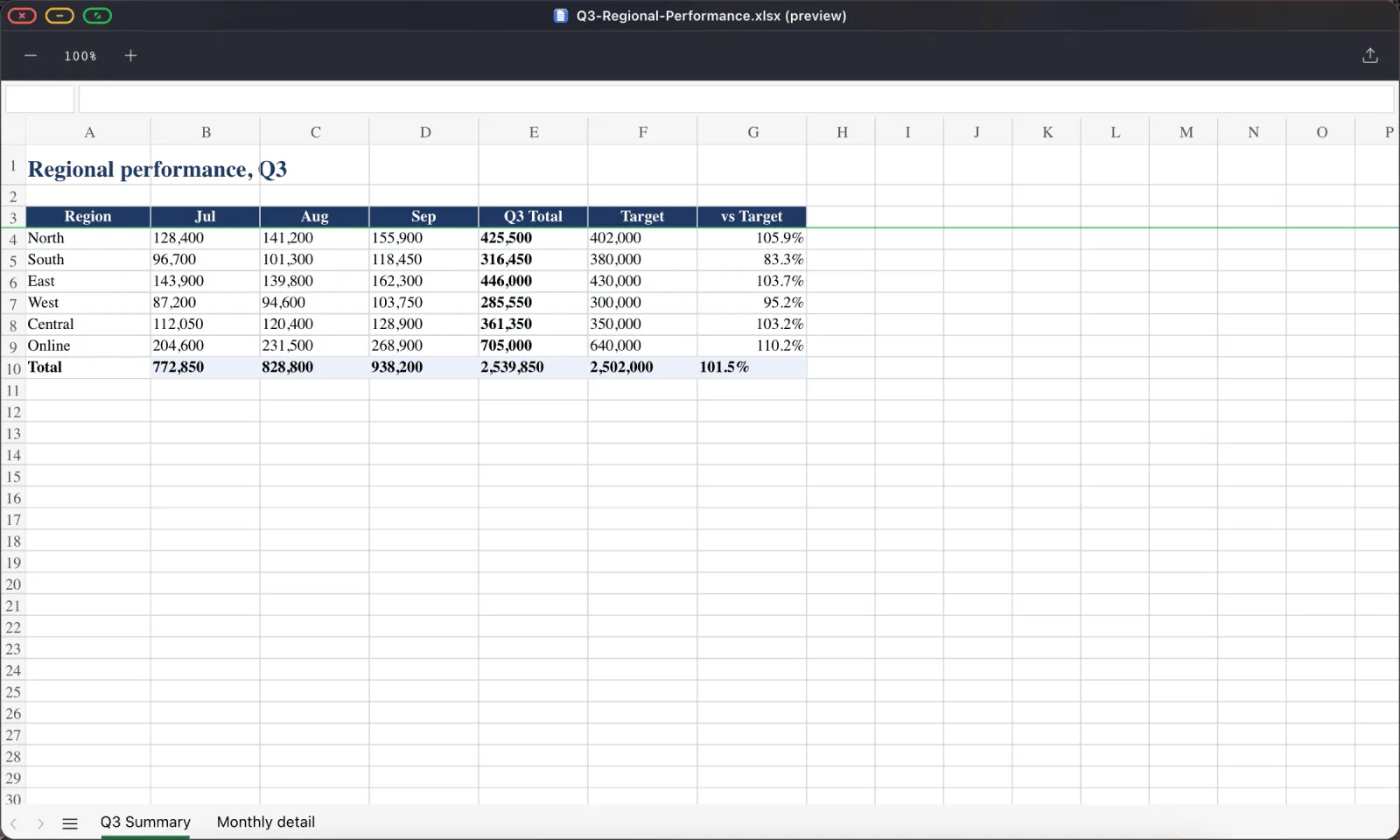
PDFs y documentos
Un visor de PDF completo con búsqueda, anotación y relleno de formularios, más vista previa de los archivos de Word, Excel y PowerPoint que te envía la gente. Firmar un contrato desde una habitación de hotel deja de ser un problema que resolver.
Presentar
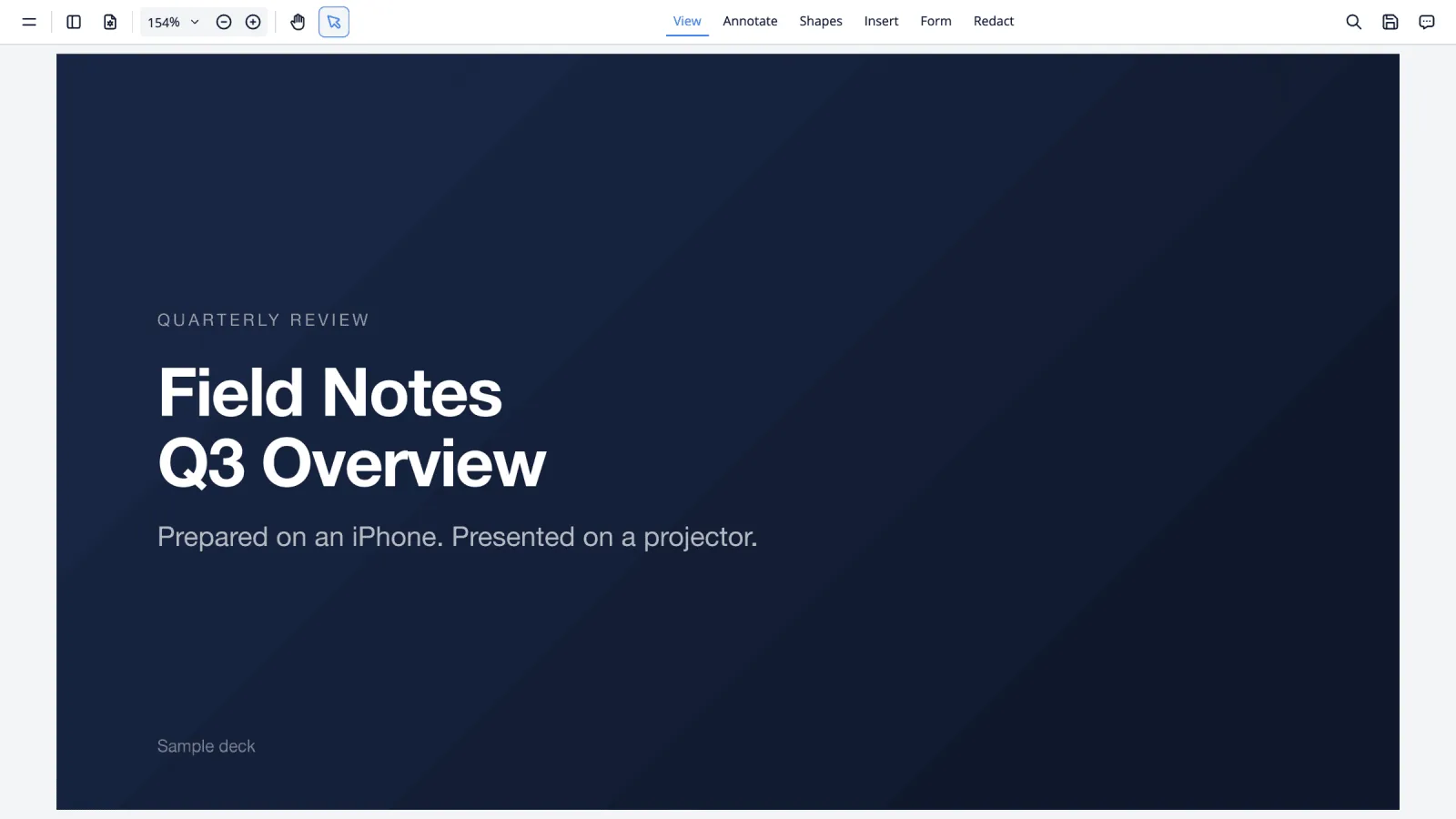
Si el viaje incluye una charla, un PDF de la presentación más el botón verde de pantalla completa es todo el flujo de trabajo, y no hay red implicada. La guía de presentar cubre esto y la vía de Google Slides.
Tardes
La misma configuración, tele en lugar de monitor. YouTube a pantalla completa con el bloqueador de anuncios activado, o un pase de las fotos del día directamente desde tu biblioteca. YouTube a pantalla completa y los pases de fotos tienen cada uno su propia guía.
Dónde el teléfono gana a un portátil
Peso y volumen, obviamente, y no hay comparación. Conectividad, porque tu plan de datos ya está en él y no estás peleando con un portal cautivo de Wi-Fi de hotel. Seguridad del aeropuerto, donde no hay nada que sacar de la bolsa. Riesgo de robo, ya que un teléfono se queda en tu bolsillo y un portátil se queda en una habitación. Y batería, porque con un adaptador de paso te estás cargando mientras trabajas.
Dónde no
Sé realista con esto antes de comprometerte con un viaje.
Tus otras apps de iPhone no se ejecutan en el escritorio. Lo que funciona es el navegador, las apps integradas, y los sitios web que instales, así que si tu trabajo necesita una app nativa concreta en la pantalla grande, esto no es eso. La edición pesada, vídeo y audio y archivos de diseño grandes, tampoco es para lo que sirve esto. Y algunos controles de página incrustados, avisos de consentimiento y ciertos marcos de inicio de sesión y pago, necesitan un toque en la pantalla del teléfono. Hay un botón para eso, descrito en Modo de diseño del dispositivo.
Para escribir, correo, hojas de cálculo, investigación, documentos, presentar, gestiones y contenidos, que es la mayor parte de lo que la gente lleva un portátil para hacer, aguanta.
Configúralo antes de salir
- Instala XeOS y haz la configuración una vez en casa con tu propio monitor.
- Importa tus marcadores y contraseñas. Iniciar sesión de viaje con un trackpad es, si no, un suplicio.
- Instala como apps del dock los sitios que uses.
- Monta tu carpeta de trabajo de iCloud Drive.
- Exporta a PDF todo lo que necesites poder abrir sin conexión.
- Empareja el teclado y el ratón y comprueba que se vuelven a conectar.
Diez minutos en casa ahorran una hora en una habitación de hotel.
XeOS: External Display Browser convierte un iPhone o un iPad en un escritorio completo en cualquier monitor, tele o proyector.
Preguntas frecuentes
¿Se cargará el teléfono mientras controla una pantalla?
Con un adaptador multipuerto que tenga corriente de paso, sí. Un simple cable USB-C a HDMI no lleva corriente.
¿Y si la habitación solo tiene una tele sin cable HDMI libre?
Lleva uno corto. Es el accesorio que la gente más olvida.
¿Puedo trabajar sin ratón?
Sí. La pantalla del teléfono actúa como trackpad, con pulsación larga y luego arrastre para arrastrar.
¿Funciona también en un iPad?
Sí, incluidos los iPads antiguos sin compatibilidad con Stage Manager. Mira el artículo del iPad.
Más del blog

Prueba XeOS: External Display Browser
Pantalla completa en cualquier monitor externo, tele o pantalla portátil. Sin bandas negras. Descárgalo en el App Store.