
 External Display BrowserDesktop Mode4 min read
Did iOS 26 Add Desktop Mode to the iPhone? The Real Answer, and What to Use Instead
Short version: no. There is still no desktop mode on the iPhone in 2026. Plug your phone into a monitor with stock iOS and you get a mirror, phone-shaped, floating between two black bars. Below is what happened with the rumours, what iOS does and doesn't give you today, and how to get a desktop on a big screen without waiting for Apple.
What the rumours said
The "iPhone desktop mode" story has been running for a couple of years now. The original reporting pointed at a Stage Manager-like interface for USB-C iPhones when connected to an external display. Not a full desktop, but at least a windowed environment that used the whole screen. Everyone expected it to ship. Everyone wrote it up as Apple's answer to Samsung DeX.
It didn't ship. People later found unfinished code in iOS 26.1 that could be coaxed into showing something Stage-Manager-shaped on an external display, and that route was closed off again in the 26.2 betas. Unshipped code in a release build tells you someone at Apple was working on the feature, not that the feature exists.
What you get today
| Device | External display behaviour on stock iOS/iPadOS |
|---|---|
| iPhone (any model) | Mirroring only. Some apps, video players, Keynote, take over the screen themselves. |
| iPad without M-series chip | Mirroring only. |
| iPad with M-series chip | Stage Manager on an external display: extended desktop, windows, the lot. |
So the answer to "does my iPhone have a desktop mode" is no. And the answer to "will an iPad give me one" is only if you bought an expensive one.
Why mirroring looks so bad on a monitor
It comes down to shape. An iPhone screen is roughly 19.5:9 and a monitor or TV is 16:9. Mirroring sends the display a copy of a tall, narrow picture, and the display pads the sides with black to make it fit. You end up using maybe 60% of the panel you paid for, and everything on that 60% is scaled for a hand rather than a room.
No setting in iOS fixes it, because iOS isn't drawing anything for the monitor. It duplicates what the phone is drawing for itself.
What to use instead
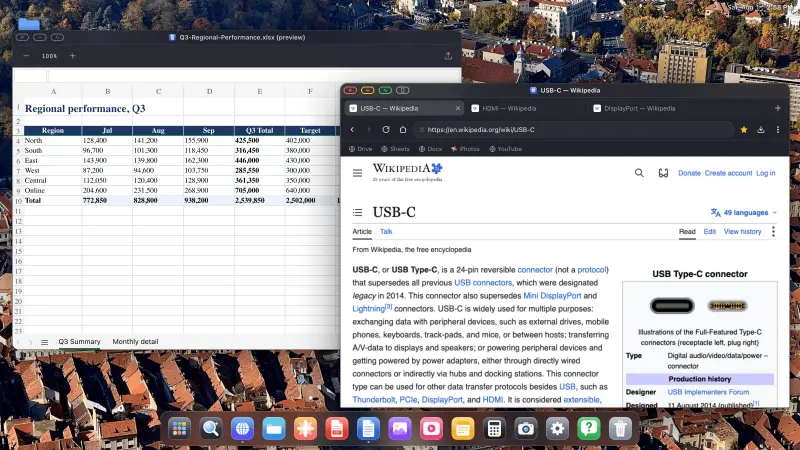
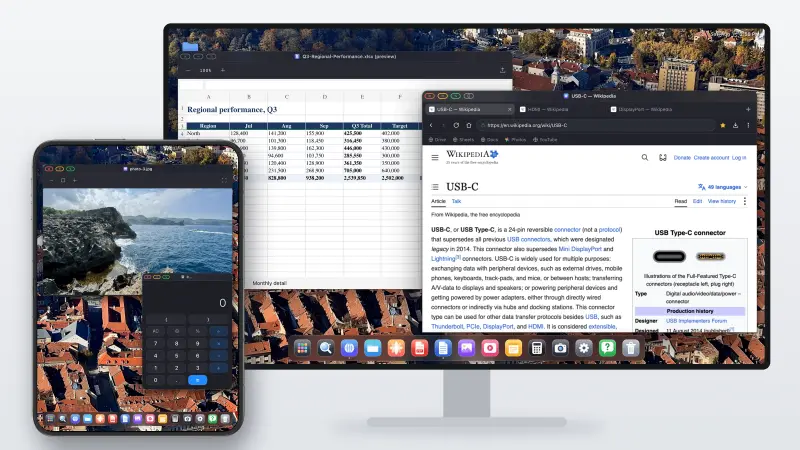
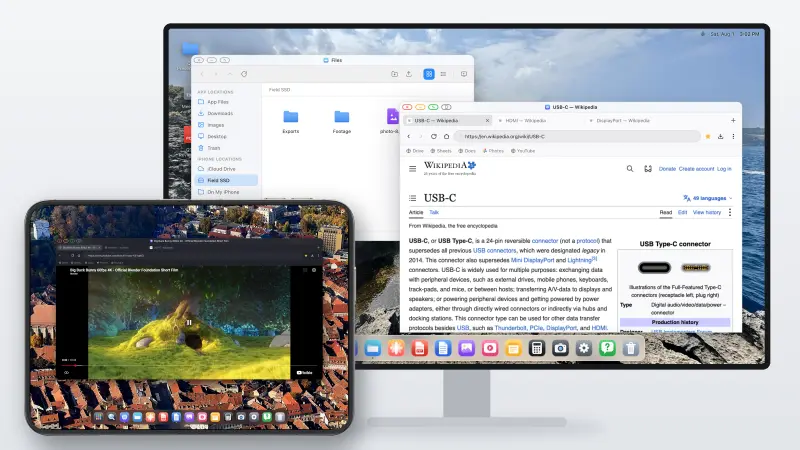
XeOS: External Display Browser comes at it from the other direction. Instead of mirroring, it renders its own desktop at the display's own resolution and drives the external screen directly. Windows you can move and resize, a dock, a file manager, a desktop browser, media players, document viewers. On any monitor, TV or projector, from any iPhone or iPad that can output video at all.
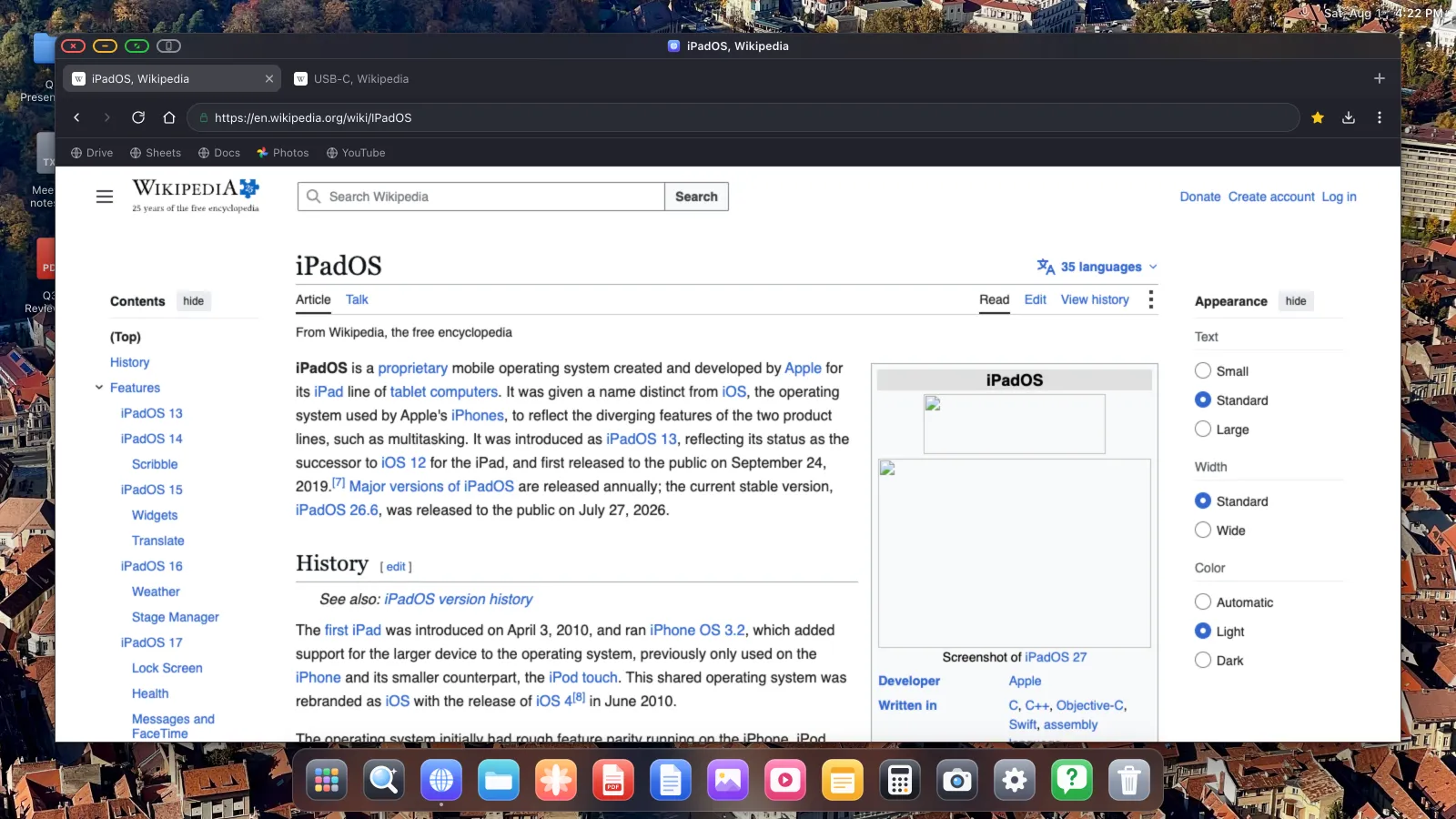
Because it draws its own environment, it doesn't depend on Stage Manager, on an M-series chip, or on Apple shipping anything at all. An iPad Apple never gave external display support to gets a full desktop. So does an iPhone.
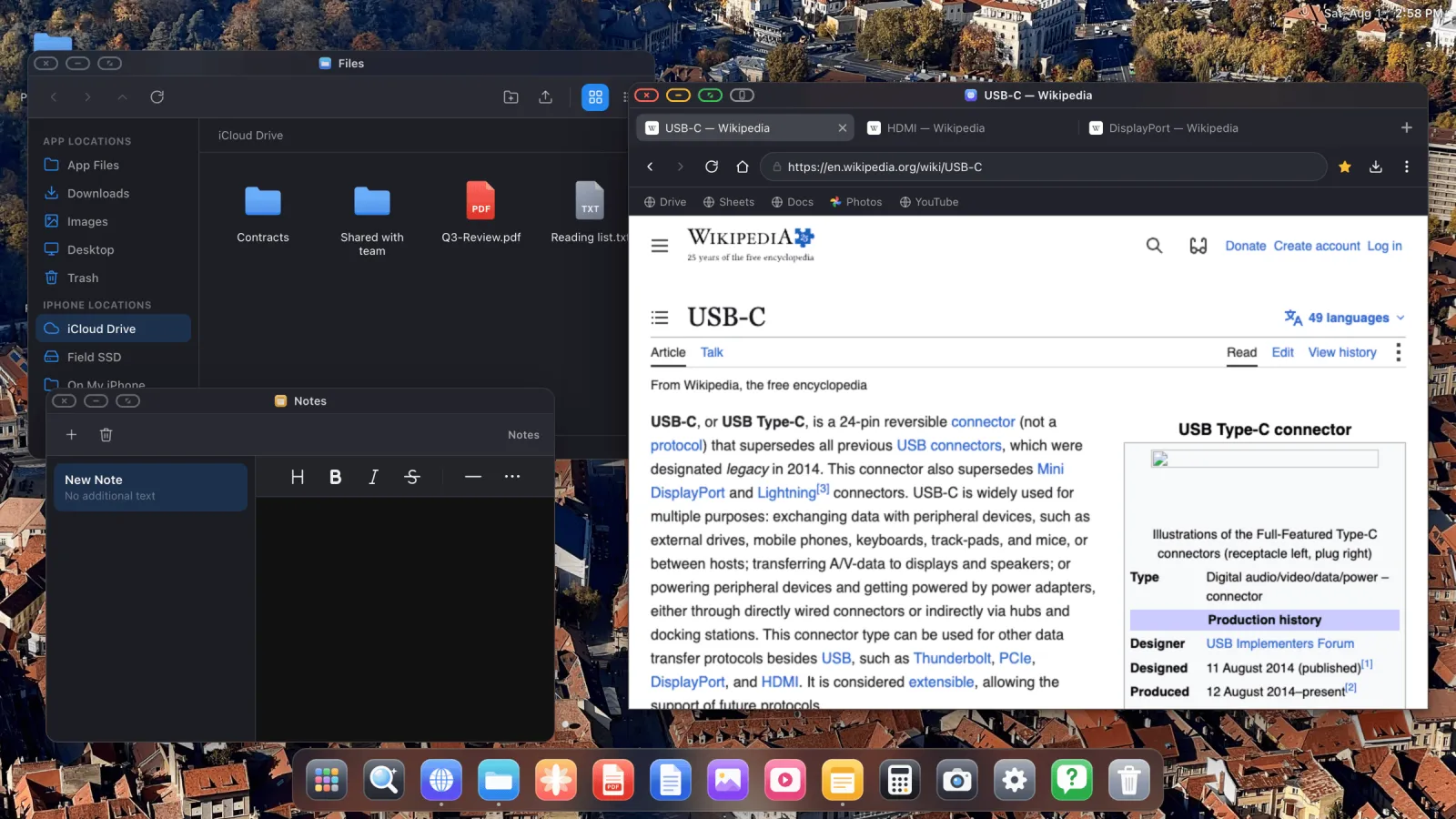
What it can do
- A desktop browser with tabs, a bookmarks bar, downloads, a password manager, reader mode, and an ad blocker that's on by default and handles YouTube video ads.
- Full screen that means it. The green window button removes all interface, so video and slides fill the panel edge to edge. Watching YouTube full screen is one of the most common reasons people install it.
- A file manager that can mount iCloud Drive folders, folders from your phone, and external USB drives.
- A PDF viewer with annotation, plus Word, Excel and PowerPoint preview.
- A Photos app reading your iOS library, with a configurable full-screen slideshow.
- Installable websites, so Gmail or Sheets or YouTube sits in the dock as its own app.
- Mouse and keyboard support, or your phone's screen as a trackpad if you have neither.
The limitations
Two things to know before you install anything.
It's a desktop environment rather than iOS on a monitor. Your other iPhone apps don't run inside it. What runs is the browser, the built-in apps, and any website you install. That covers a very large share of what people do at a computer, but it isn't Instagram on a TV.
Some embedded page elements resist a click from the external display. Every iOS browser has to use Apple's WebKit engine, and cross-domain frames, consent banners, some sign-in boxes, payment fields, are deliberately hardened against programmatic input as an anti-fraud measure. That protection also catches a cursor coming from a second screen. XeOS handles it with a button that hands the page to your phone's screen for the one tap and then sends it straight back, explained in full in the Device Layout Mode guide.
Will Apple ever ship this?
Probably, eventually, in some form. The code exists and the demand is obvious. But "eventually" has already meant more than one release cycle, it'll almost certainly be limited to recent USB-C hardware, and it'll be a windowing mode rather than a full desktop. If you own a monitor and a phone today, waiting is not much of a plan.
XeOS: External Display Browser turns an iPhone or iPad into a full desktop on any monitor, TV or projector. It doesn't depend on Stage Manager, an M-series chip, or a future iOS release.
Frequently asked
Is there a desktop mode in iOS 26?
No. Unfinished code was found in iOS 26.1 and closed off in the 26.2 betas, but no shipping desktop mode exists for iPhone.
Does the iPhone have anything like Samsung DeX?
Not from Apple. Third-party apps are the only route today.
Can any iPad extend rather than mirror?
Only M-series iPads, through Stage Manager. Everything else mirrors.
Do I need a special cable?
USB-C to HDMI for USB-C devices, a Lightning Digital AV Adapter for Lightning iPhones. AirPlay also works.
More from the blog

Try XeOS: External Display Browser
Full screen on any external monitor, TV or portable display. No black bars. Download on the App Store.