External Display BrowserAlternativas4 min de lectura
¿Buscas una alternativa a shiftscreen? Así es la navegación a pantalla completa en una pantalla externa en 2026
Si has buscado una alternativa a shiftscreen ya conoces el problema: quieres que tu iPhone o iPad ponga algo útil en un monitor externo, llenando la pantalla, sin las bandas negras que deja el duplicado. A continuación, las opciones que existen, por qué la mayoría de listas de «alternativas» te envían por el camino equivocado, y dónde encaja XeOS.
Primero, dos problemas muy distintos
«Segunda pantalla» se usa para dos cosas que no tienen nada que ver entre sí, y los resultados de búsqueda las mezclan constantemente:
| Lo que quieres | Qué buscar |
|---|---|
| Usar tu iPad como monitor adicional de tu Mac o PC | Duet Display, Luna Display, spacedesk, Sidecar |
| Poner el contenido del propio iPhone o iPad en un monitor, a pantalla completa | shiftscreen, XeOS |
La mayoría de listas de «alternativas a shiftscreen» están llenas de la primera categoría, lo cual no ayuda si estás en la segunda. Si no hay ningún ordenador en la ecuación, y para la mayoría de la gente ese es todo el sentido, quieres la segunda fila.
Lo que la categoría intenta sortear
iOS no tiene modo escritorio. Conecta un iPhone a un monitor y iOS lo duplica: una imagen 19,5:9 en un panel 16:9, bandas negras rellenando la diferencia, todo escalado para una mano. Los iPads también duplican, en 4:3, a menos que tengan un chip serie M y Stage Manager.
Las apps de esta categoría lo sortean tomando el control de la pantalla externa y dibujando algo construido para esa forma, en lugar de copiar el teléfono.
Qué hace XeOS de forma distinta
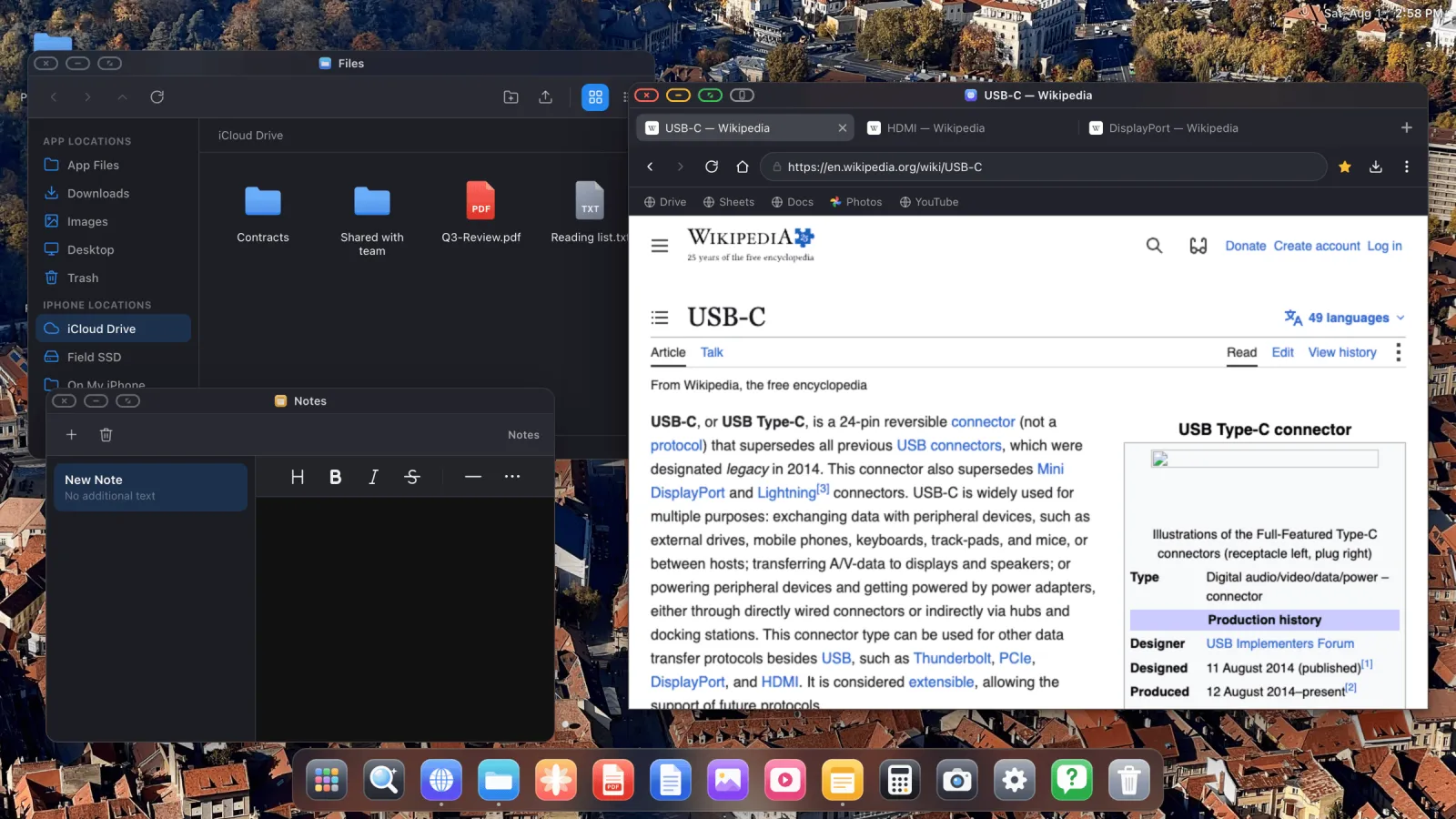
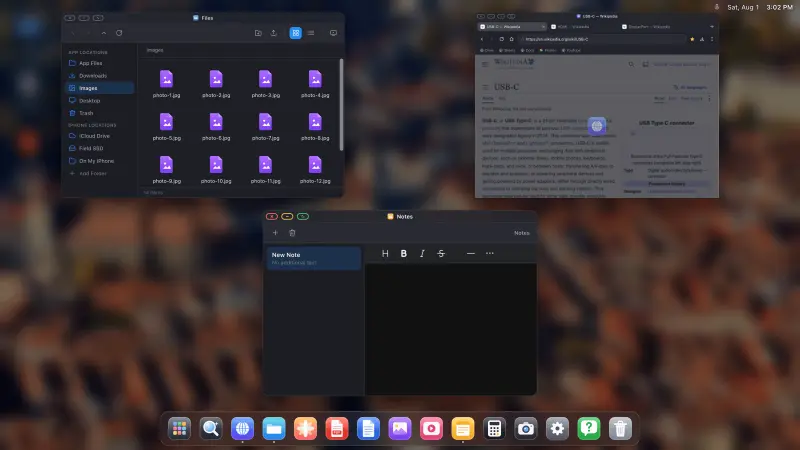
Lo que lo distingue es el alcance. Esto no es un navegador a pantalla completa con una ventana más grande. Es un entorno de escritorio.
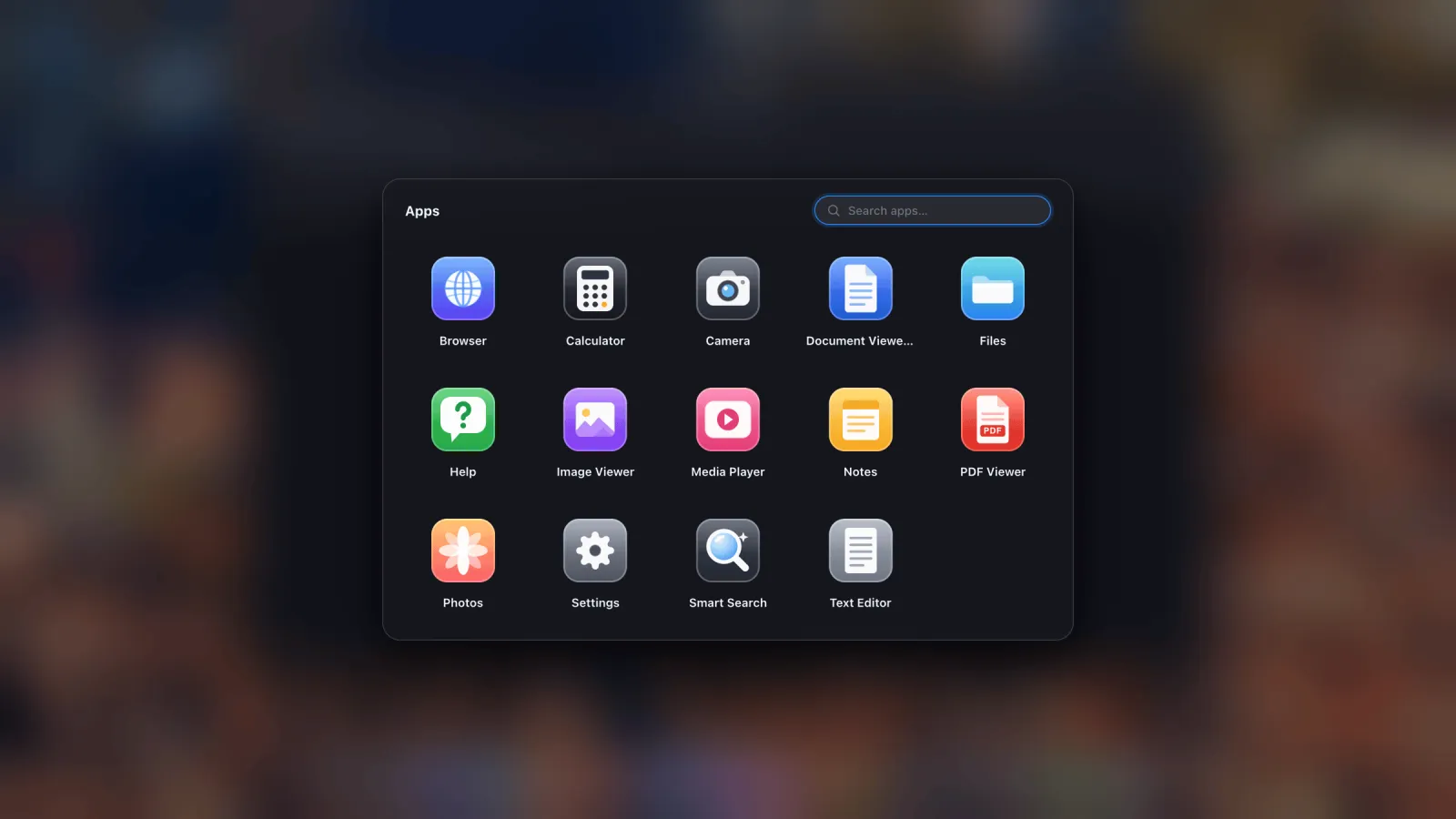
- Ventanas, varias a la vez, que se mueven, redimensionan, ajustan a los bordes, van a pantalla completa y se minimizan, con un selector y una vista general de todo lo abierto.
- Un dock y un cajón de apps, donde cualquier sitio web se puede instalar como su propia app con su propio icono.
- Un gestor de archivos que monta carpetas de iCloud Drive, carpetas del dispositivo y unidades USB externas, y luego abre los archivos en su sitio.
- Apps integradas: visor de PDF con anotación, vista previa de archivos de Office, visor de imágenes, reproductor multimedia, Fotos con pase a pantalla completa, notas, editor de texto, calculadora, cámara.
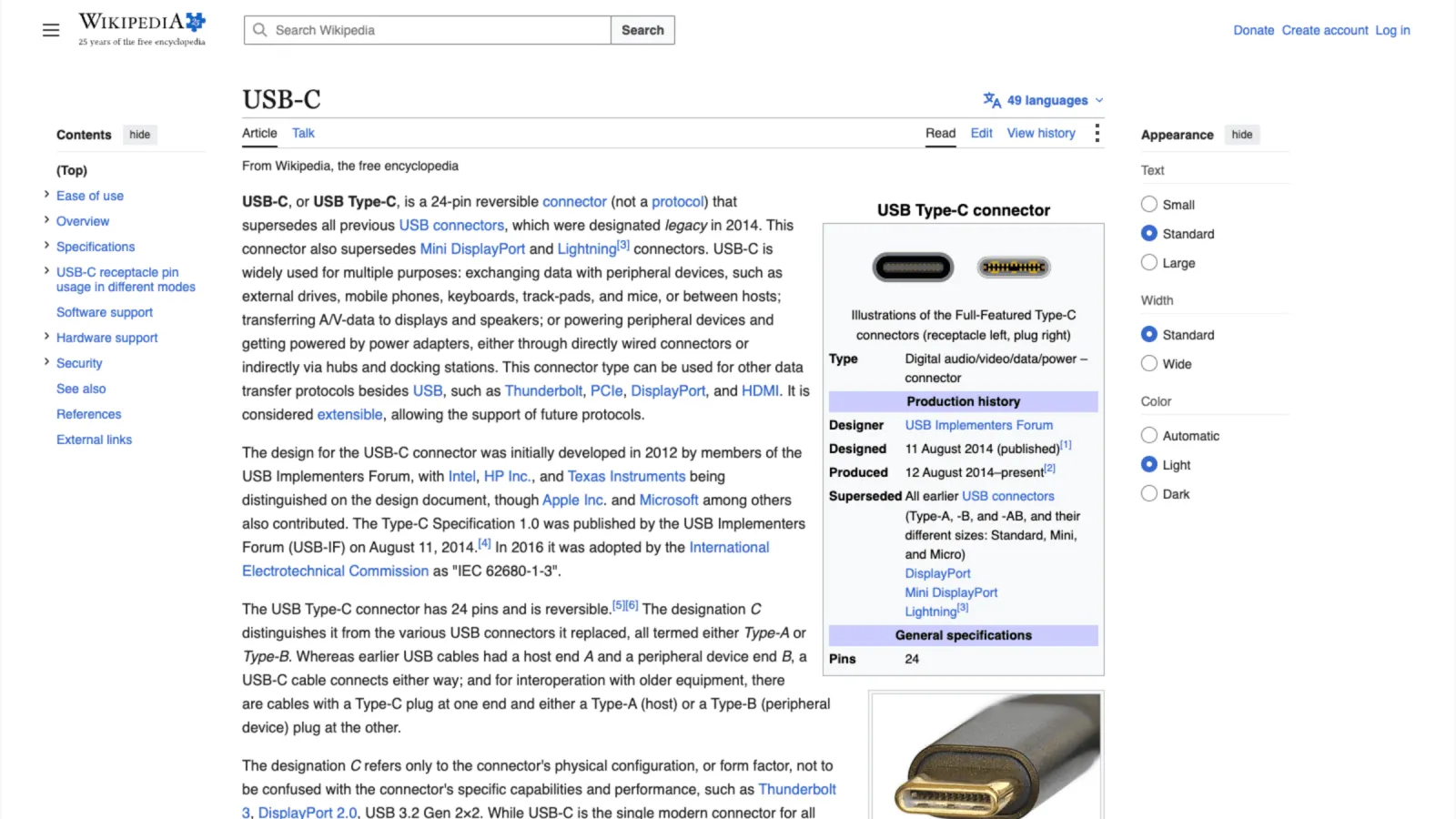
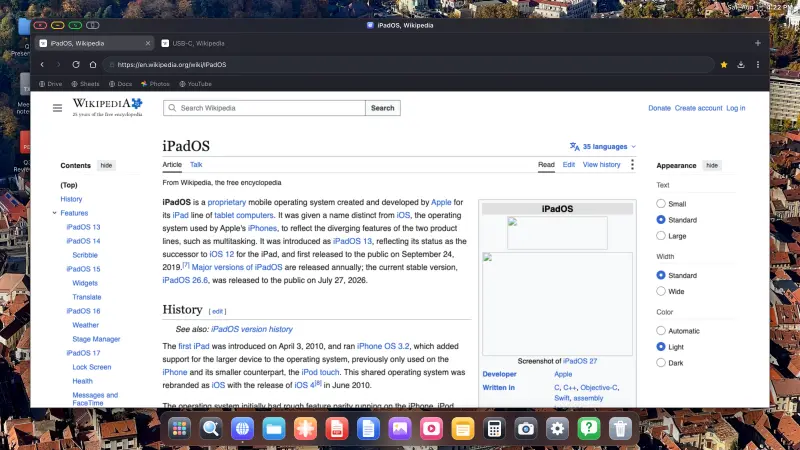
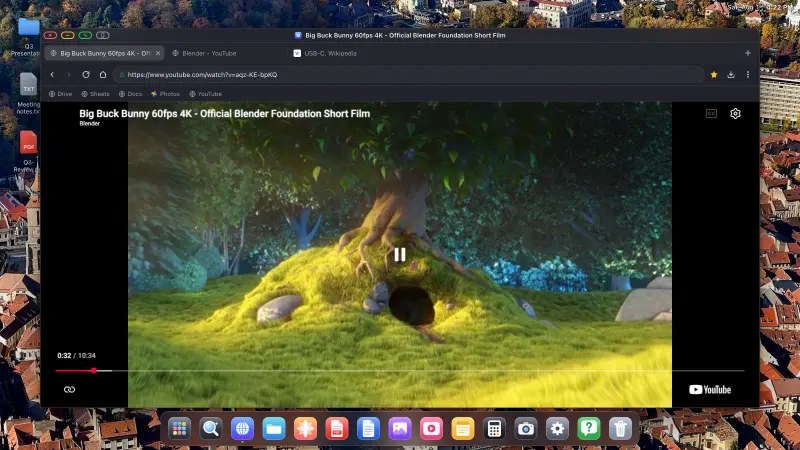
- Un navegador de escritorio con pestañas, barra de marcadores, descargas con progreso, un gestor de contraseñas cifrado, modo lectura, lista de lectura, zoom por sitio y buscar en la página.
- Un bloqueador de anuncios activado por defecto, construido con las listas de EasyList y uBlock y compilado en el motor, anuncios en vídeo de YouTube incluidos.
- Importación desde Safari, Chrome, Firefox y Edge para marcadores y contraseñas, así que iniciar sesión no es una tarea pesada.
- Soporte de ratón y teclado, con la propia pantalla del dispositivo como trackpad cuando no tienes ninguno de los dos.
- Restauración de sesión, así que cada ventana vuelve donde la dejaste.
La parte de pantalla completa, en concreto
Cada ventana tiene un botón verde que elimina toda la interfaz: barra de título, pestañas, barra de herramientas, dock. El contenido ocupa entonces todo el panel, que es lo que hace que el vídeo, los pases de fotos y las presentaciones se vean bien en lugar de encajonados.
Qué comprobar antes de cambiar
Dos cosas, para que nada te sorprenda después.
- Tus otras apps de iPhone no se ejecutan dentro. Esto es un entorno de escritorio con sus propias apps más la web, no iOS en un monitor. Bien para la mayoría del trabajo de escritorio. No tan bien si necesitas una app nativa concreta.
- Algunos marcos incrustados se resisten a los clics desde la pantalla externa. Todo navegador de iOS tiene que usar WebKit, y los marcos de otro dominio, los avisos de consentimiento, algunos cuadros de inicio de sesión y pago, están reforzados a propósito contra la entrada programática. La respuesta es un botón que le pasa la página a la pantalla de tu teléfono para ese único toque y te devuelve directamente. La guía lo cubre.
Empezar
Necesitas un cable, USB-C a HDMI o un adaptador AV digital Lightning en iPhones más antiguos, o un receptor AirPlay. Un ratón Bluetooth marca una diferencia enorme y cuesta muy poco. La guía de configuración recorre todo el proceso, incluida la elección de la resolución correcta para que no tengas bandas negras.
XeOS: External Display Browser convierte un iPhone o un iPad en un escritorio completo en cualquier monitor, tele o proyector.
Preguntas frecuentes
¿Es esta la misma categoría que Duet Display o Luna Display?
No. Esas convierten un iPad en un monitor adicional para un ordenador. Esto pone el contenido de tu propio iPhone o iPad en un monitor, sin ningún ordenador implicado.
¿Necesita un iPhone o iPad concreto?
Cualquier dispositivo que pueda sacar vídeo a una pantalla. No hace falta ni un chip serie M ni Stage Manager.
¿Funciona por AirPlay además de con cable?
Sí, aunque un cable tiene menos latencia y puede cargar al mismo tiempo.
¿Se trasladarán mis inicios de sesión?
Importa marcadores y contraseñas desde Safari, Chrome, Firefox o Edge. Mira la guía de importación.
Más del blog
Prueba XeOS: External Display Browser
Pantalla completa en cualquier monitor externo, tele o pantalla portátil. Sin bandas negras. Descárgalo en el App Store.