External Display BrowserYouTube en la tele4 min de lectura
Cómo ver YouTube en una tele desde tu iPhone, a pantalla completa, sin bandas negras, sin anuncios
Hay un cable en el cajón, una tele en la pared, y YouTube en tu teléfono. Conseguir que el vídeo llene toda la tele en lugar de un rectángulo con forma de móvil en medio de ella, sin un anuncio cada cuatro minutos, lleva una app y unos cinco minutos.
Por qué la forma obvia decepciona
Conecta un iPhone a una tele y iOS duplica el teléfono. La pantalla de tu teléfono mide unos 19,5:9 y la tele es 16:9, así que la tele rellena los lados de negro y muestra una imagen alta y estrecha en el medio. El vídeo de YouTube se coloca entonces dentro de eso, enmarcado con bandas por segunda vez. Dos capas de pantalla desperdiciada.
Tocar el botón de pantalla completa de YouTube no ayuda, porque la limitación está un nivel por encima de YouTube. Es el duplicado.
Ir por AirPlay a la tele tiene el mismo problema de forma, más anuncios, más una dependencia de tu red.
La configuración que funciona
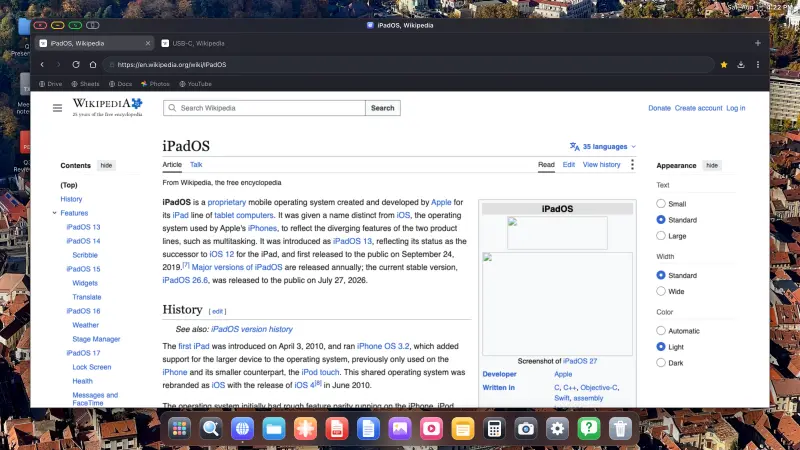
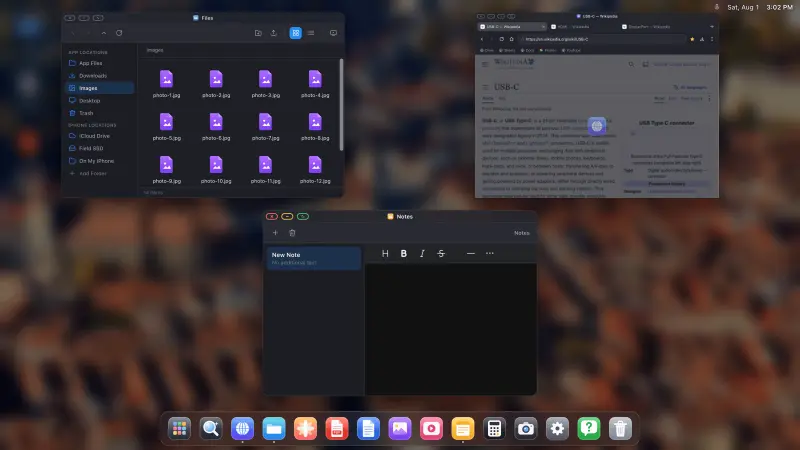
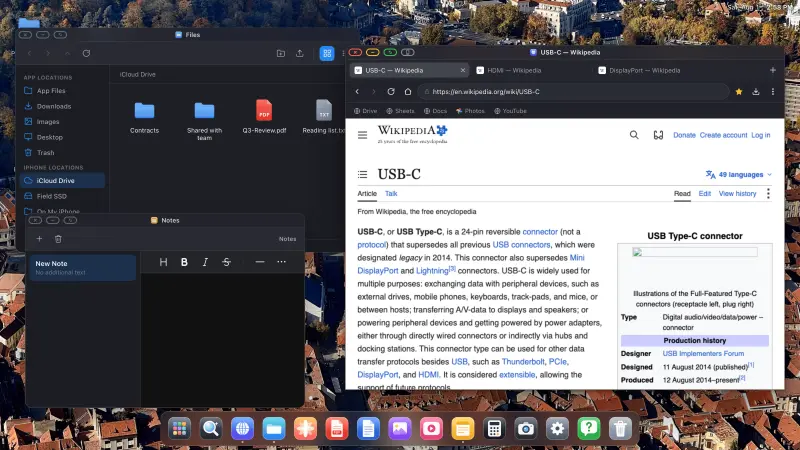
XeOS: External Display Browser no duplica el teléfono. Renderiza su propio escritorio a la propia resolución de la tele y controla la pantalla directamente, así que pantalla completa significa todo el panel.
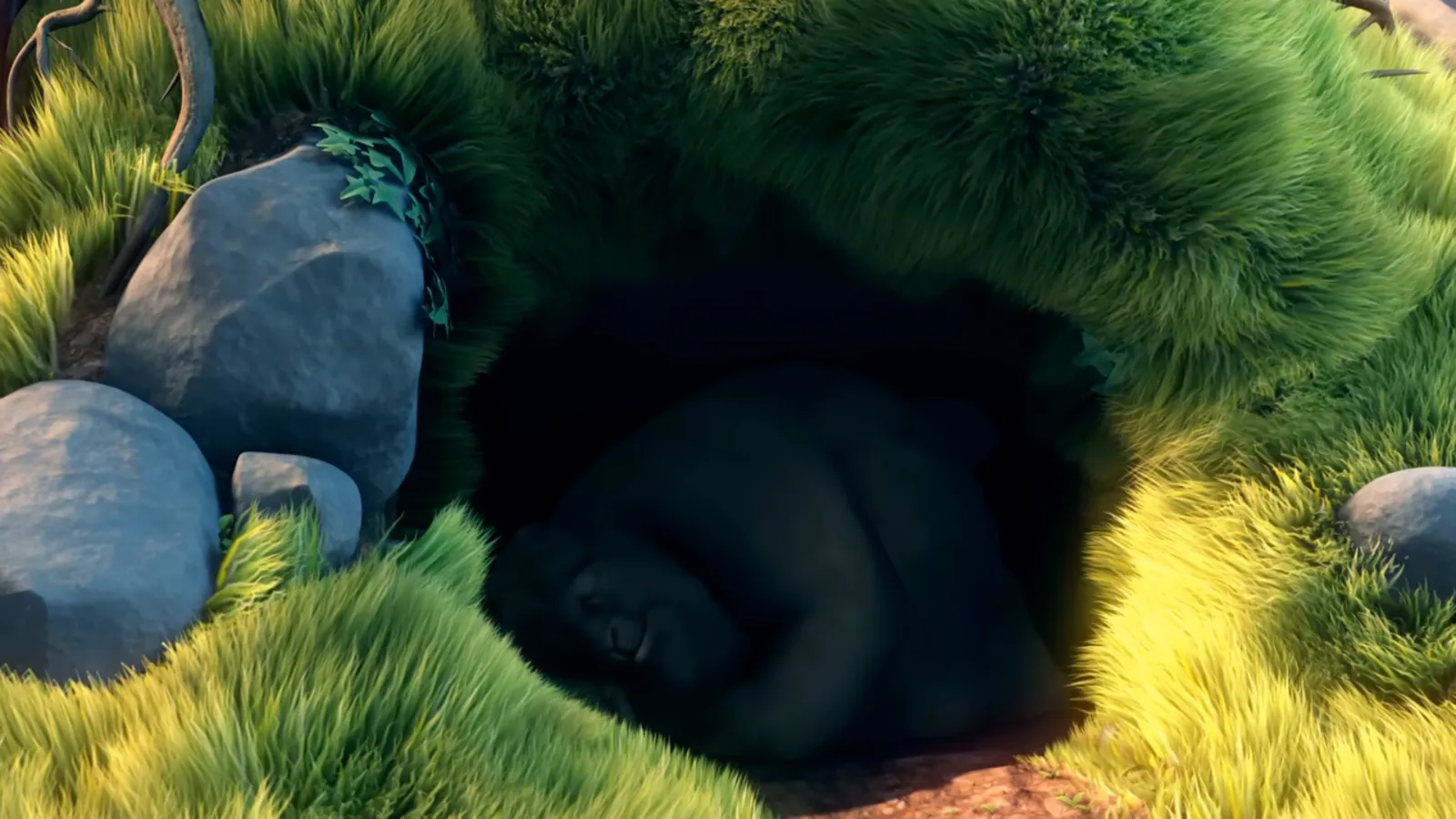
1. Conecta
USB-C a HDMI para un iPhone USB-C, un adaptador AV digital Lightning para los más antiguos. Un adaptador multipuerto vale las pocas libras de más porque carga el teléfono mientras reproduce, y si no una tarde entera de vídeo lo dejará sin batería. AirPlay también funciona si prefieres no llevar un cable por la habitación.
2. Ajusta la resolución
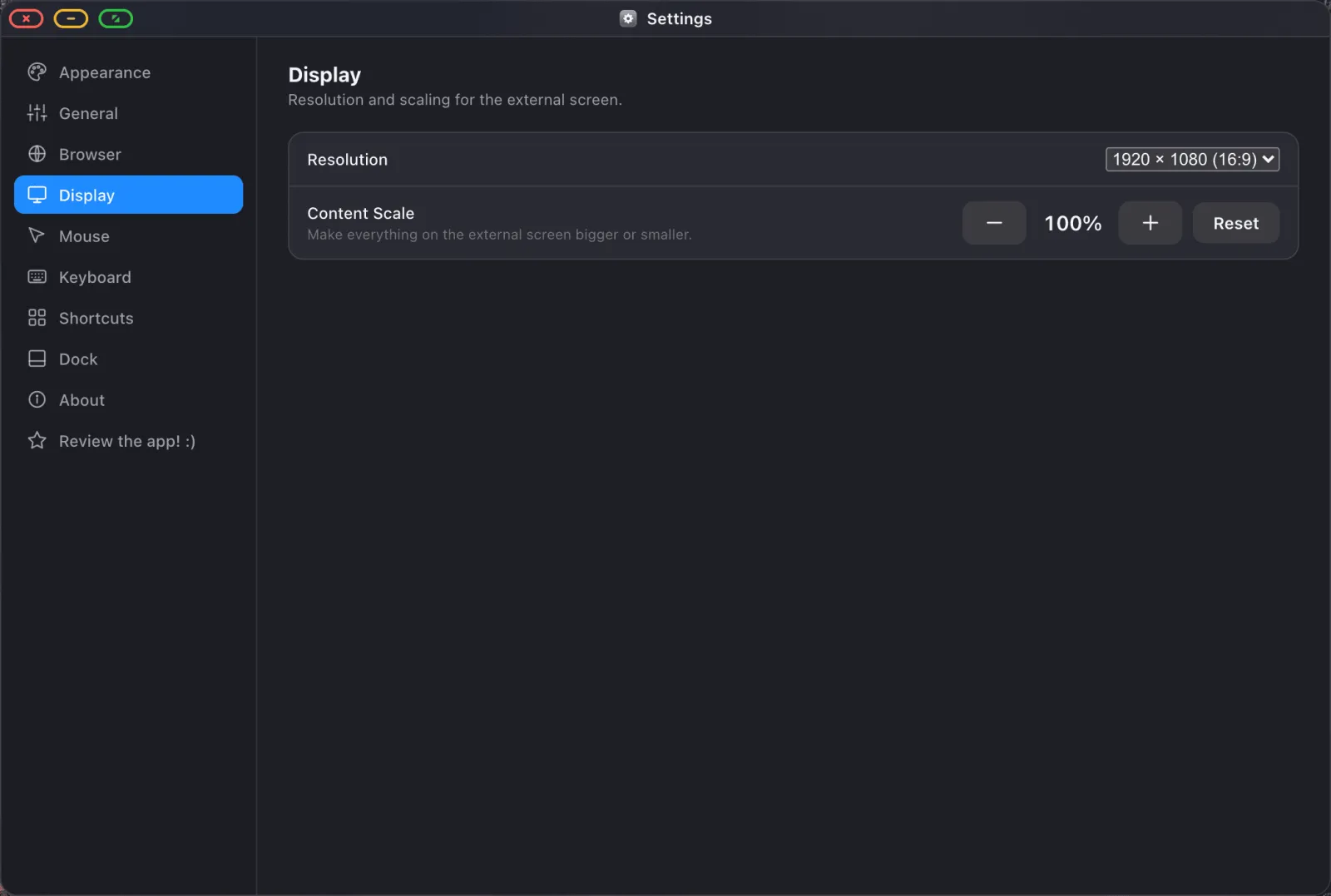
Abre Ajustes › Pantalla y elige la resolución que indica tu tele. 1920 × 1080 para la mayoría, más alta si es un modelo 4K al que te sientas cerca. XeOS cambia la salida a ese modo y desactiva la compensación de sobrebarrido, y esa es la razón mecánica por la que desaparecen los bordes negros.
3. Inicia sesión en YouTube
Abre el navegador y ve a youtube.com. Consigues el sitio de escritorio con tus suscripciones e historial. Las sesiones persisten a través de los reinicios, así que esto es tarea de una sola vez, y si importas antes tus contraseñas son un par de toques en lugar de escribir una contraseña con un trackpad.
4. Comprueba que el bloqueo de anuncios está activado
Lo está, por defecto. El bloqueador está construido con las listas de filtros de EasyList y uBlock y compilado en el motor del navegador, así que no hay ninguna extensión que instalar. En el menú ⋯ lo verás marcado:
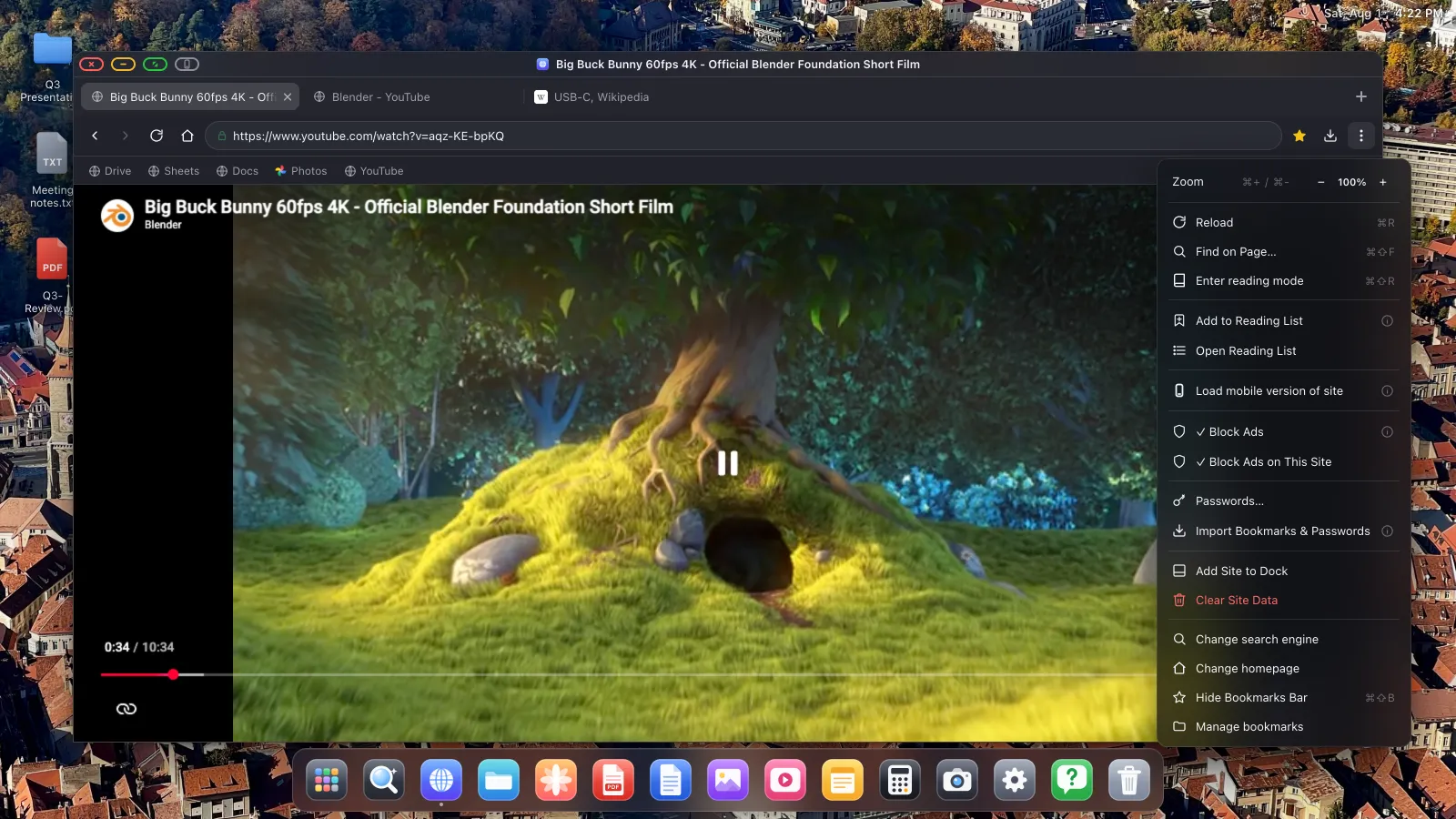
Los anuncios que se pueden saltar y sí consiguen colarse se saltan automáticamente, así que una pantalla que has dejado funcionando no se queda esperando una cuenta atrás mientras estás en la cocina.
5. Pon la pantalla completa
Pulsa el propio botón de pantalla completa de YouTube, luego haz clic en el botón verde de la esquina de la ventana para que la propia ventana también pase a pantalla completa. El marco del navegador, el dock y la superposición de estado desaparecen, y cada píxel de la tele es vídeo.
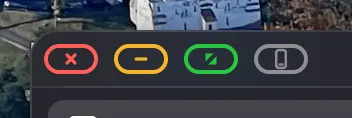
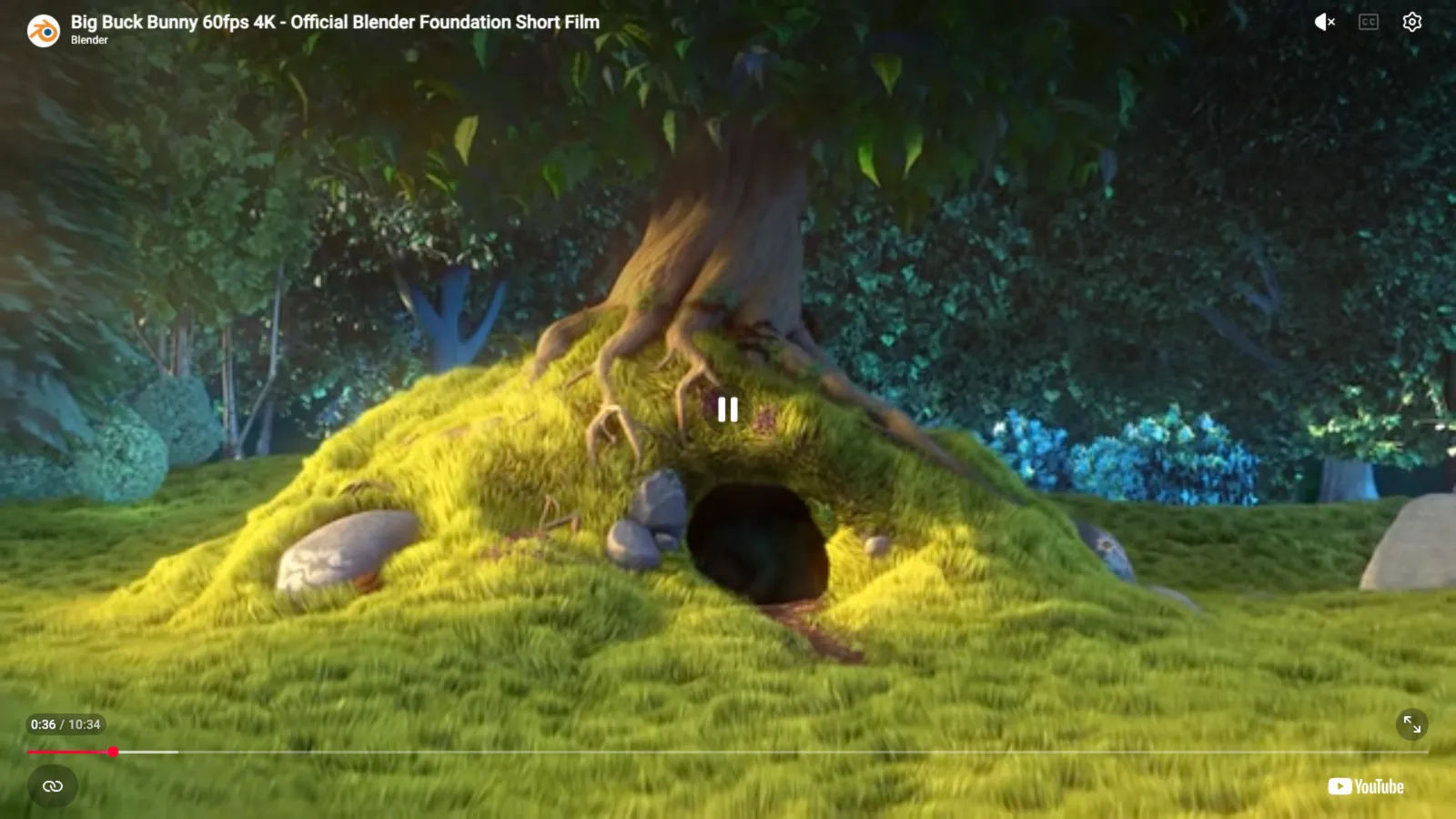
Mueve el puntero al borde superior para que vuelva la barra de título cuando termines.
Convertirlo en un hábito de un solo toque
Añade YouTube al dock con ⋯ › Añadir sitio al dock y consigue su propio icono y su propia ventana, así te saltas el navegador y sus pestañas por completo. El sonido viaja por el cable HDMI hasta los altavoces de la tele sin nada que configurar.

Sin ningún ratón conectado, la pantalla de tu teléfono se convierte en el trackpad, así que también hace de mando a distancia.
Si sigues viendo un borde
Llegados a ese punto, casi siempre es la tele y no el teléfono. Comprueba primero el ajuste de tamaño de imagen de la tele, buscando «Just Scan», «Screen Fit», «Full Pixel» o «1:1», ya que las teles vienen con el sobrebarrido activado y recortan y rellenan por defecto. Luego comprueba que la resolución en Ajustes › Pantalla coincide con lo que la tele quiere de forma nativa.
XeOS: External Display Browser convierte un iPhone o un iPad en un escritorio completo en cualquier monitor, tele o proyector.
Preguntas frecuentes
¿Necesito una smart TV?
No. Cualquier tele, monitor o proyector con una entrada HDMI funciona.
¿De verdad el bloqueador de anuncios cubre los anuncios en vídeo de YouTube?
Sí, y los anuncios que se pueden saltar se saltan por ti cuando aparecen.
¿Se cargará el teléfono mientras veo algo?
Con un adaptador multipuerto que tenga un puerto de corriente de paso, sí.
¿Puedo seguir usando mi teléfono mientras se reproduce?
Solo como tu trackpad y teclado en pantalla.
¿Funciona esto en un iPad?
Sí, incluidos los iPads antiguos sin Stage Manager. Mira el artículo del iPad.
Más del blog
Prueba XeOS: External Display Browser
Pantalla completa en cualquier monitor externo, tele o pantalla portátil. Sin bandas negras. Descárgalo en el App Store.