
 External Display BrowserPortable Monitor3 min read
Can You Plug an iPhone Into a Portable Monitor? Yes, Here's How to Do It Right
Portable monitors are cheap now, and the question comes up constantly: will one work with an iPhone? Yes. One USB-C cable, and plenty of portable monitors will carry both video and power over it. But there's a catch nobody puts in the product listing, and it's worth knowing before you buy.
The short answer
If you have a USB-C iPhone and a USB-C portable monitor, a single cable carries the picture. Whether it also carries power depends on the monitor and which of its ports you use. With a Lightning iPhone you need a Lightning Digital AV Adapter and the monitor's HDMI input.
| Your iPhone | Monitor input | What to use |
|---|---|---|
| USB-C (15 and later) | USB-C | One USB-C cable |
| USB-C (15 and later) | HDMI only | USB-C to HDMI cable, or a multiport adapter |
| Lightning (14 and earlier) | HDMI | Lightning Digital AV Adapter + HDMI cable |
The catch nobody mentions
It works. Then you look at it, and it's a tall narrow rectangle in the middle of a widescreen panel with black bars down both sides.
That's iOS mirroring. An iPhone screen is roughly 19.5:9 and a portable monitor is 16:9, so iOS sends the monitor a copy of the phone's screen and the monitor pads the difference with black. On a 15.6-inch portable monitor you end up using maybe nine inches of it, with everything sized for a phone held at arm's length.
No setting in iOS fixes it, and no cable fixes it. iOS isn't drawing for the monitor at all, it's duplicating what the phone draws for itself.
The fix
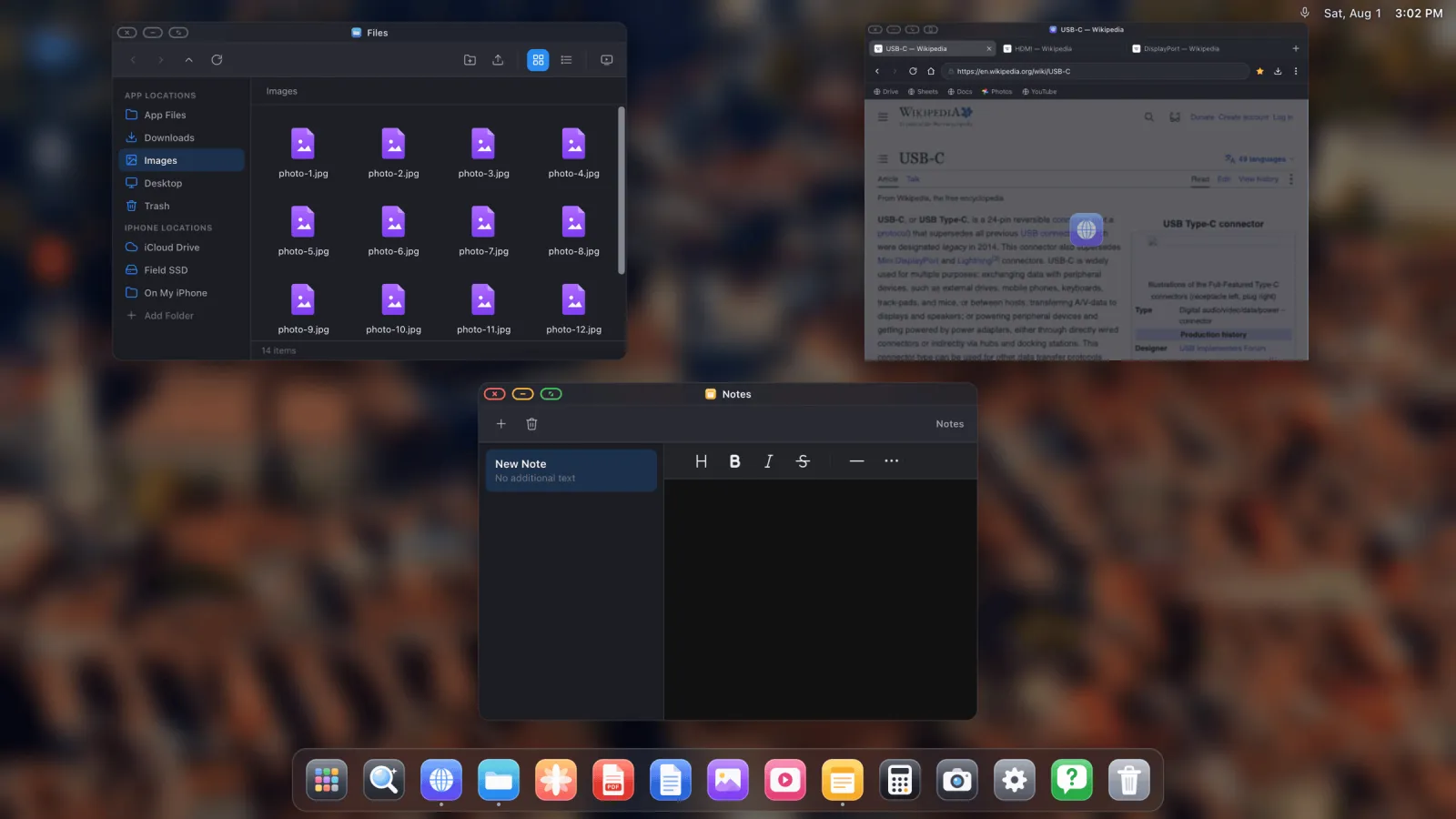
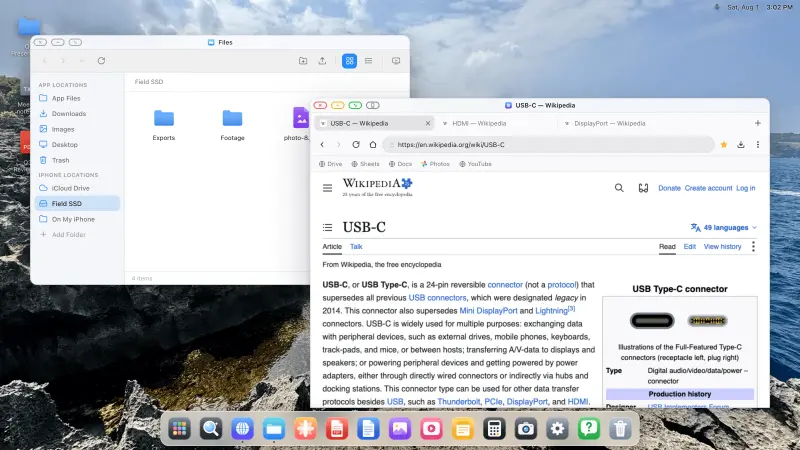
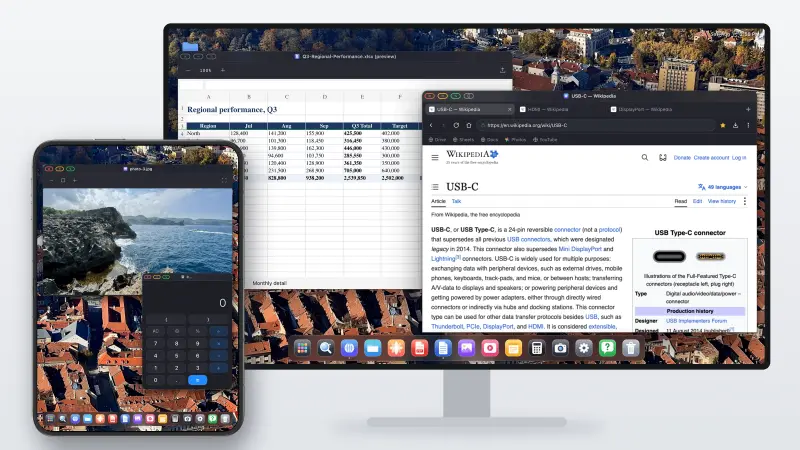
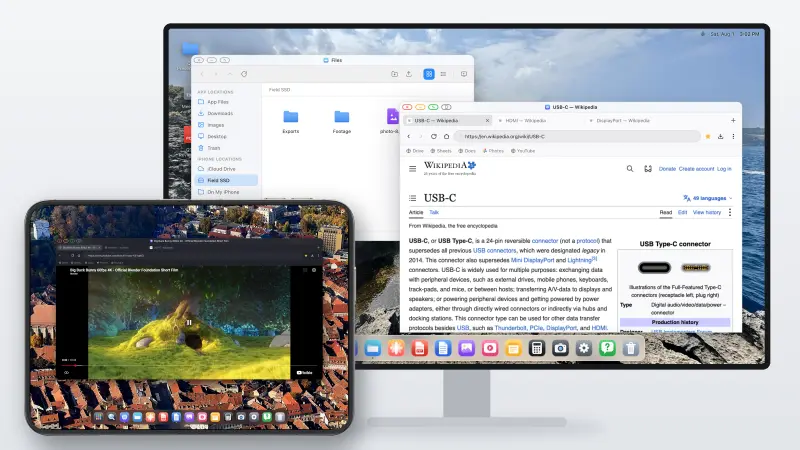
XeOS: External Display Browser takes over the external display and renders a desktop at the monitor's own resolution, so a 16:9 portable monitor gets a 16:9 desktop, edge to edge.
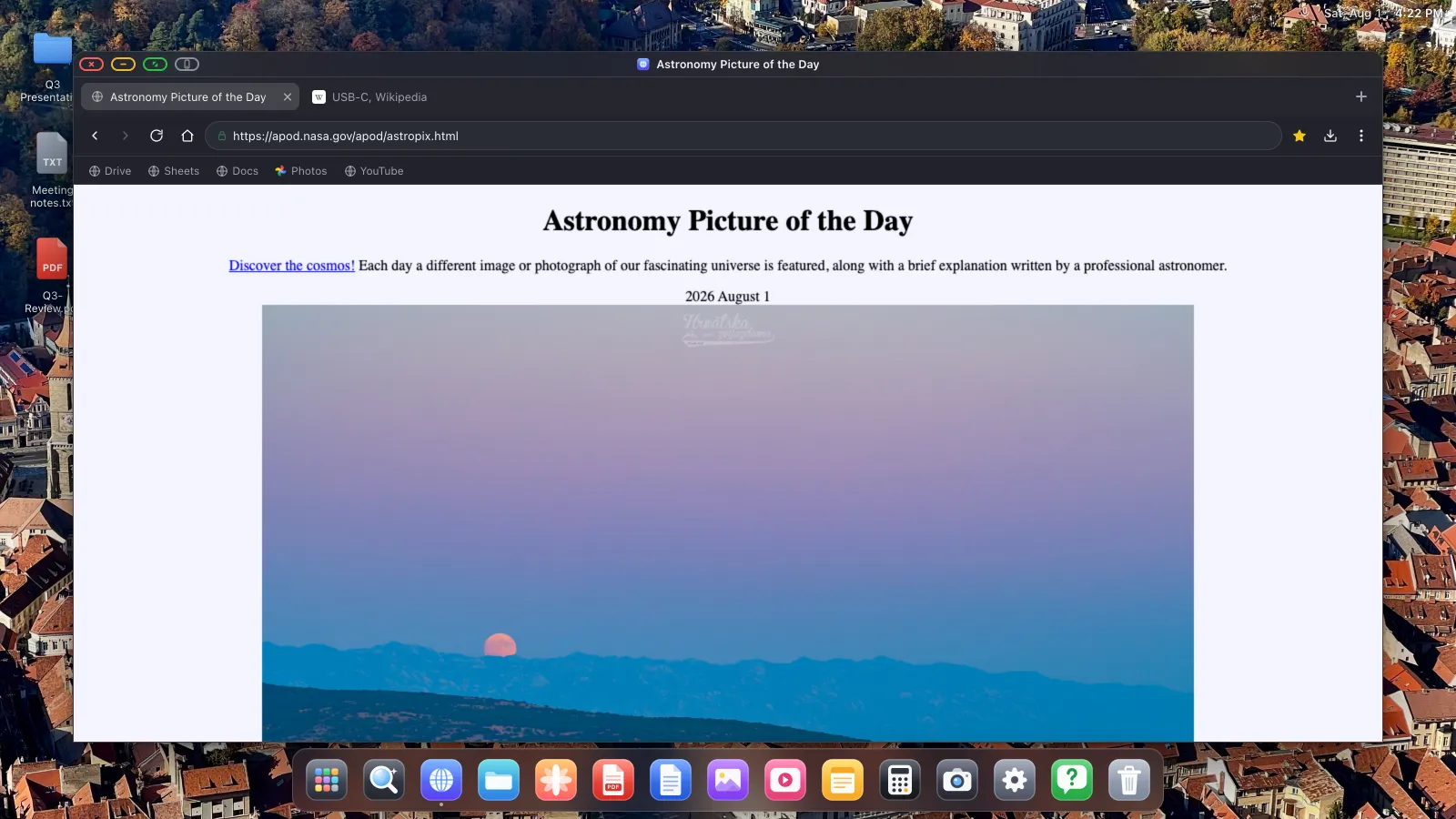
You get windows, a dock, a file manager and a desktop browser rather than a magnified phone. Pair a small Bluetooth keyboard and mouse and it's a workstation you can set up on a train table.
What to look for when buying a portable monitor
- USB-C with DisplayPort Alt Mode. Some cheap monitors have a USB-C port that's power only, so look for "USB-C video input" or "DP Alt Mode" spelled out.
- Two USB-C ports, or one plus HDMI, so you can feed video down one and power in the other. A monitor that expects to draw its power from your phone will flatten the phone quickly.
- 1080p is plenty for a 15-inch panel at arm's length. 4K on a portable monitor mostly costs battery.
- Built-in speakers if you'll watch anything. Otherwise audio goes to the phone or a Bluetooth speaker.
- A stand or case that holds an angle. This is the one buyers complain about most after the fact.
Setting it up
- Connect the monitor and open XeOS. It detects the display.
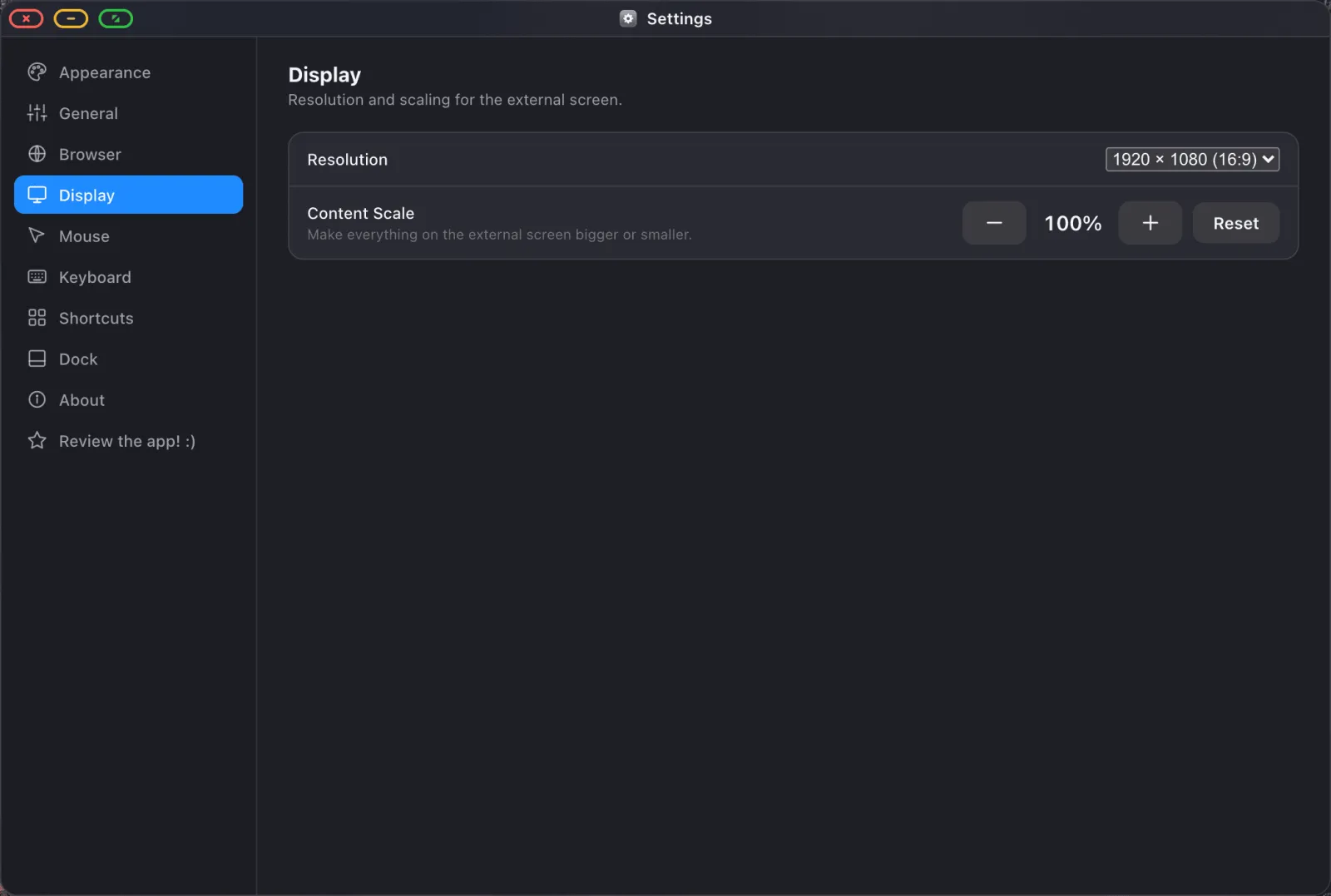
- In Settings › Display, choose the resolution the monitor reports, usually 1920 × 1080.
- Set content scale. At laptop distance on a 15-inch panel, 100–110% is usually right.
- Pair a Bluetooth mouse and keyboard, or use the phone's screen as a trackpad.
The full walkthrough is in the setup guide.
Power
Driving a display is one of the more demanding things a phone can do. If you're working for more than half an hour, use a monitor that supplies power back over USB-C, or a multiport adapter with a pass-through charging port and a real charger. Running a monitor off phone battery alone makes for a short session.
What you can do with it
- Google Docs, Sheets and Drive at full desktop scale, with a real keyboard.
- A file manager that mounts iCloud Drive folders and USB drives.
- PDFs with annotation and form filling.
- Full-screen video with a built-in ad blocker.
- Websites installed as dock apps.
What you can't do is run your other iPhone apps on the monitor, because iOS doesn't let one app host another. You get the browser, the built-in apps, and the whole web.
XeOS: External Display Browser turns an iPhone or iPad into a full desktop on any monitor, TV or projector.
Frequently asked
Will one USB-C cable really do video and power?
On monitors that support it, yes. The monitor supplies power to the phone while receiving video. Check the spec sheet, because not all of them do.
Does an older iPhone work with a portable monitor?
Yes, through a Lightning Digital AV Adapter into the monitor's HDMI input.
Will touch work if the monitor is a touchscreen?
No. iOS doesn't accept touch input from an external panel. Use a mouse, or the phone's screen as a trackpad.
Can I use a portable monitor with an iPad this way too?
Yes, including older iPads without Stage Manager support. See the iPad article.
More from the blog

Try XeOS: External Display Browser
Full screen on any external monitor, TV or portable display. No black bars. Download on the App Store.