External Display BrowserDeX Alternative4 min read
There Is Now a Real Samsung DeX Alternative for iPhone
Plug a Galaxy into a monitor and Samsung DeX gives you a taskbar, resizable windows and a cursor. Plug an iPhone in and iOS gives you a mirror. Apple still hasn't shipped a desktop mode, but the gap is no longer unbridgeable: there's an app that puts a windowed desktop on the external screen.
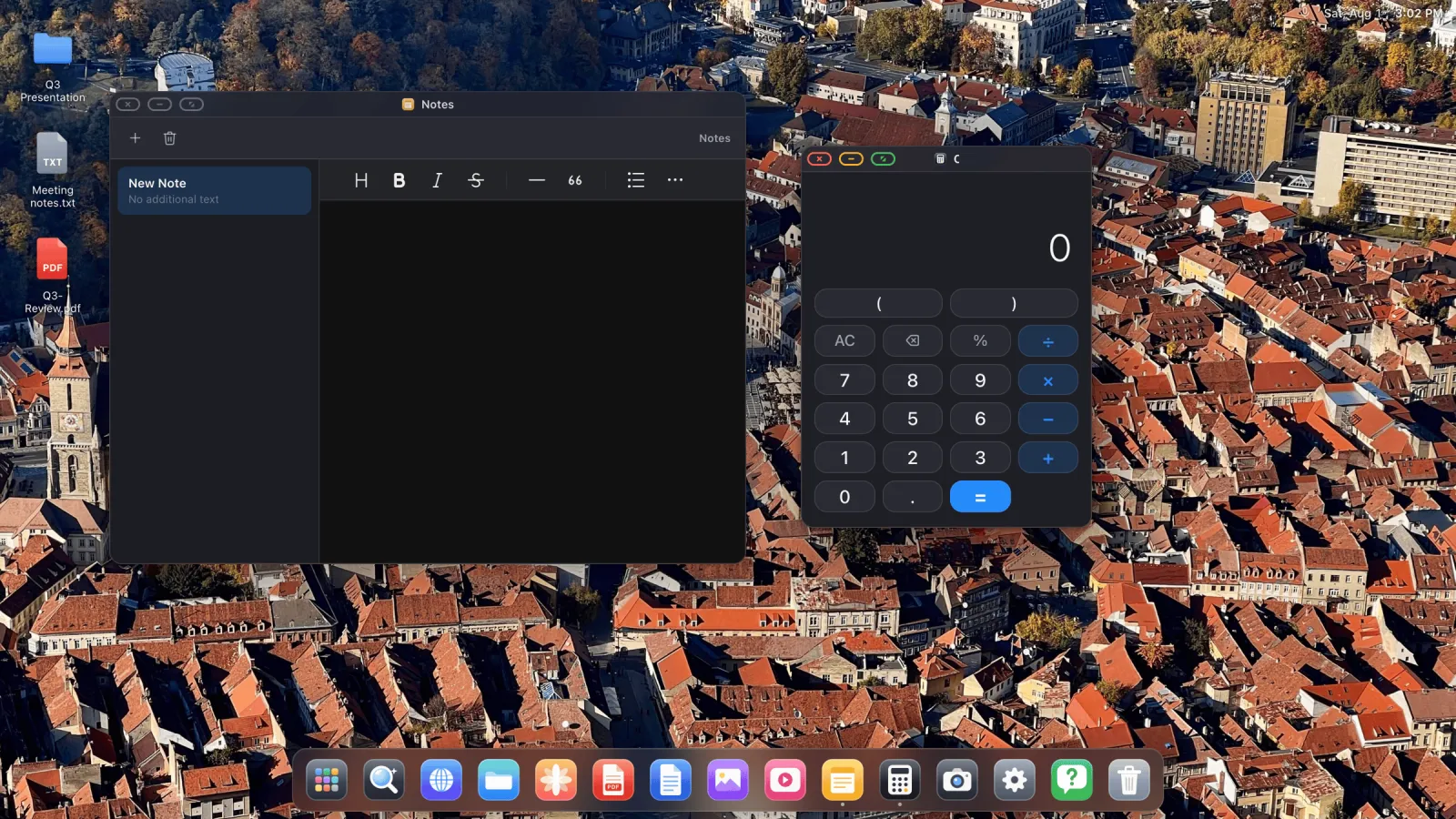
What DeX gives you
DeX puts a windowed desktop on the external display when you connect a compatible Galaxy. Taskbar, resizable app windows, a cursor for any Bluetooth or USB mouse, keyboard shortcuts. It's close enough to a laptop that plenty of people use it as one, and that's why "is there a DeX for iPhone" has been asked every year since 2017.
What iOS gives you instead
Mirroring. The phone's portrait screen scaled up, with black bars filling the sides of a 16:9 panel. Everything stays as it is on the phone: one app at a time, a portrait browser, and touch as the only way in. It's closer to casting than to a desktop, and no setting changes it, because iOS isn't drawing anything for the monitor. It duplicates what the phone draws for itself.
Apple restricts what apps may do with external displays, which is why almost nothing on the App Store even attempts this. XeOS uses what iOS does allow, and draws a complete environment into it.
How XeOS closes the gap
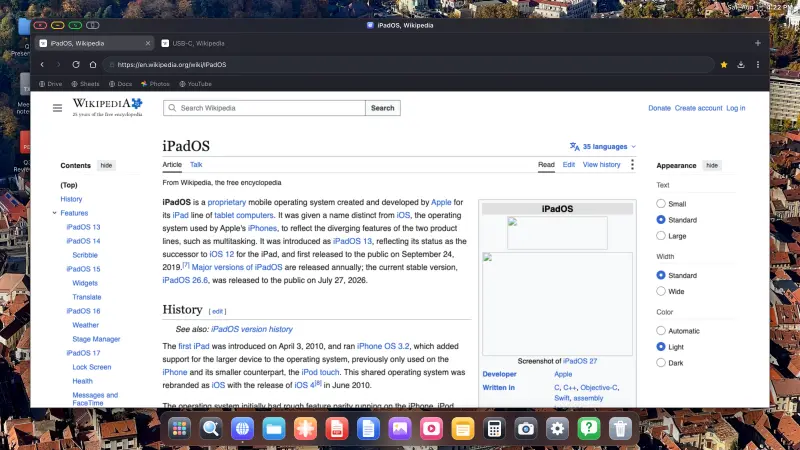
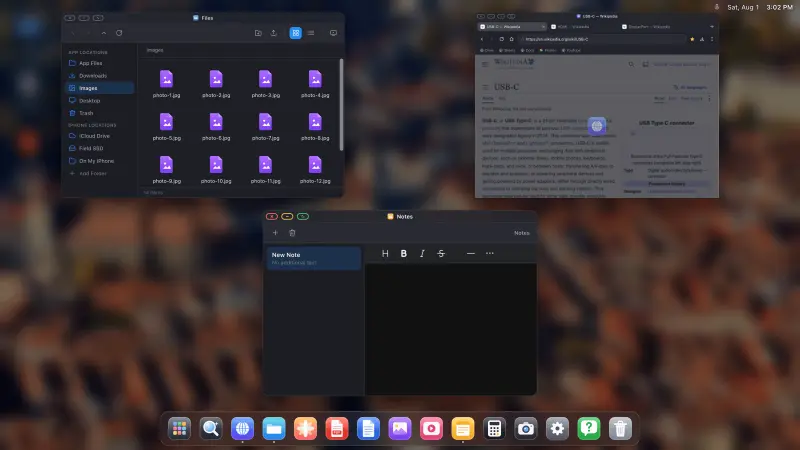
Instead of mirroring, XeOS: External Display Browser renders its own desktop at the display's native resolution and drives the screen directly. The phone stays in your hand as a trackpad, or gets out of the way entirely once you pair a mouse.
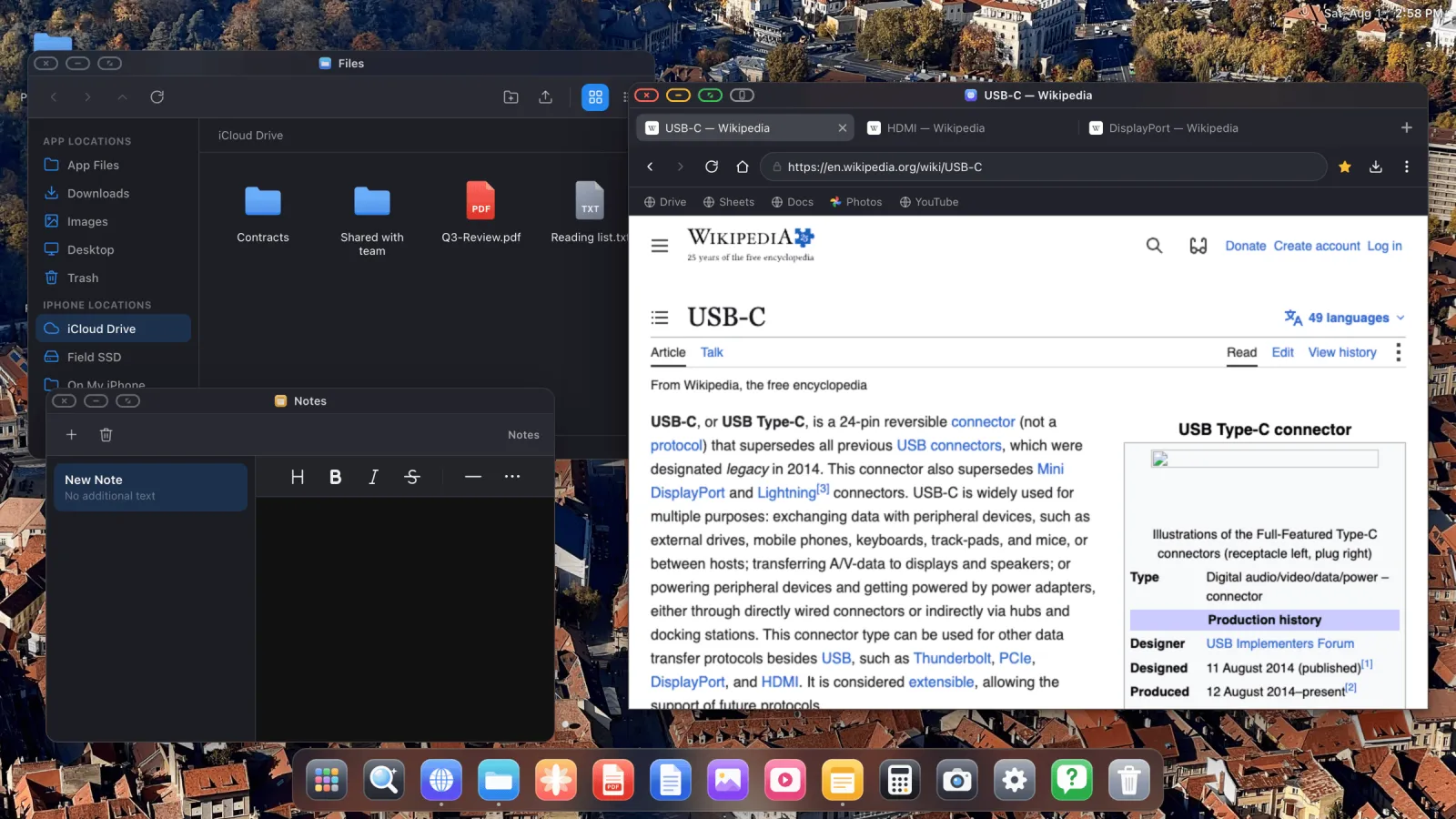
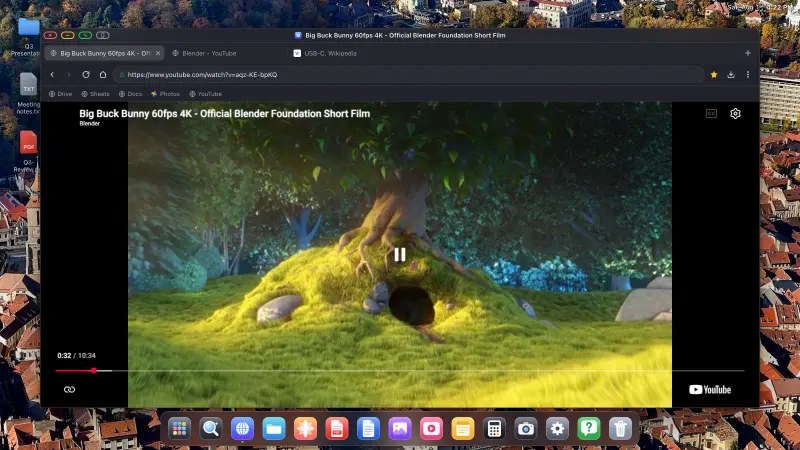
- A desktop browser with tabs, a bookmarks bar, downloads, saved passwords, reader mode, and an ad blocker on by default.
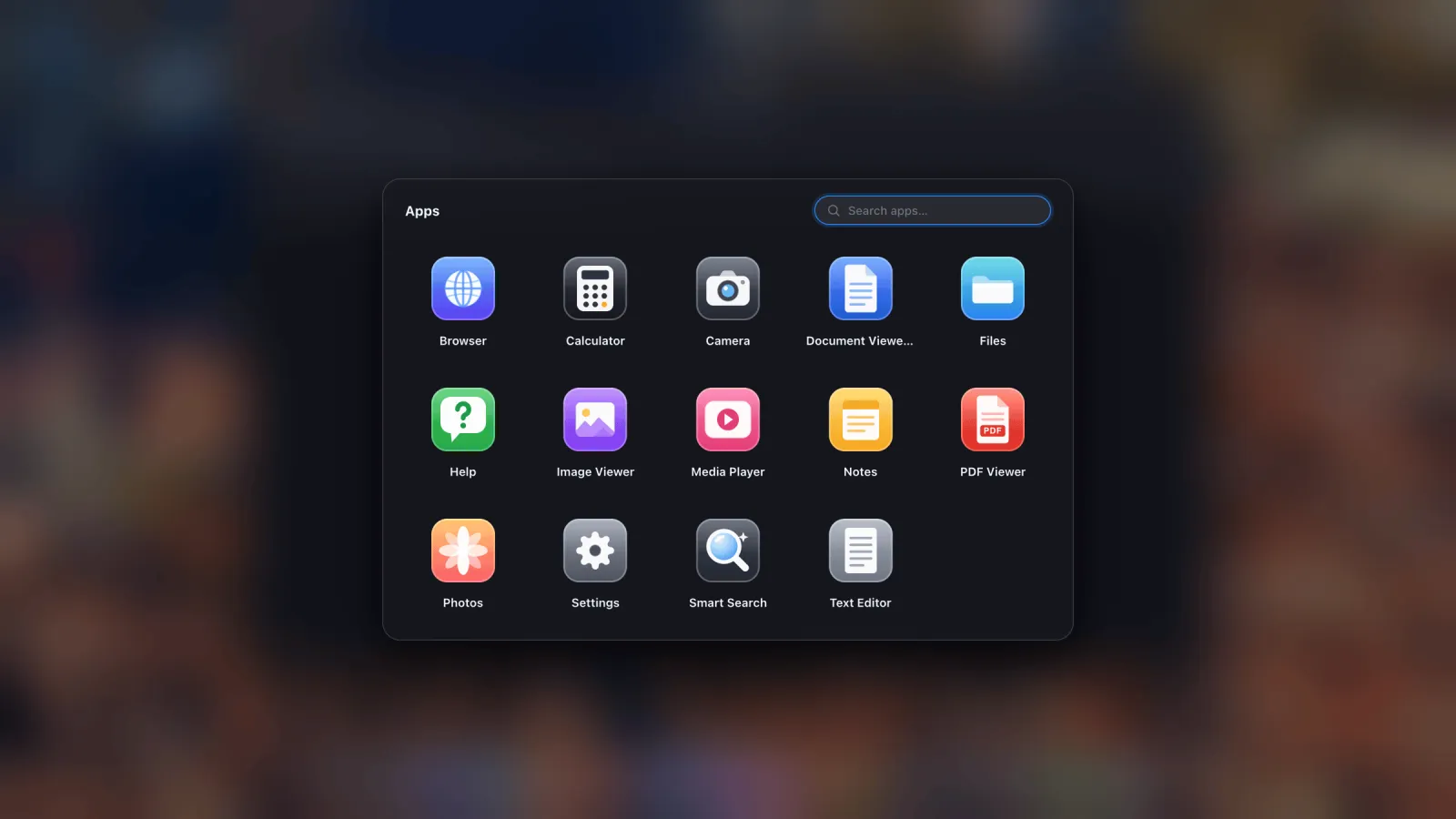
- Built-in apps: Files with a trash and zip support, Photos reading your iOS library, a PDF viewer with annotation, Office document preview, Notes, Calculator, Camera, a media player.
- Websites installed as apps, so Gmail, Sheets or YouTube live in the dock with their own icons and windows.
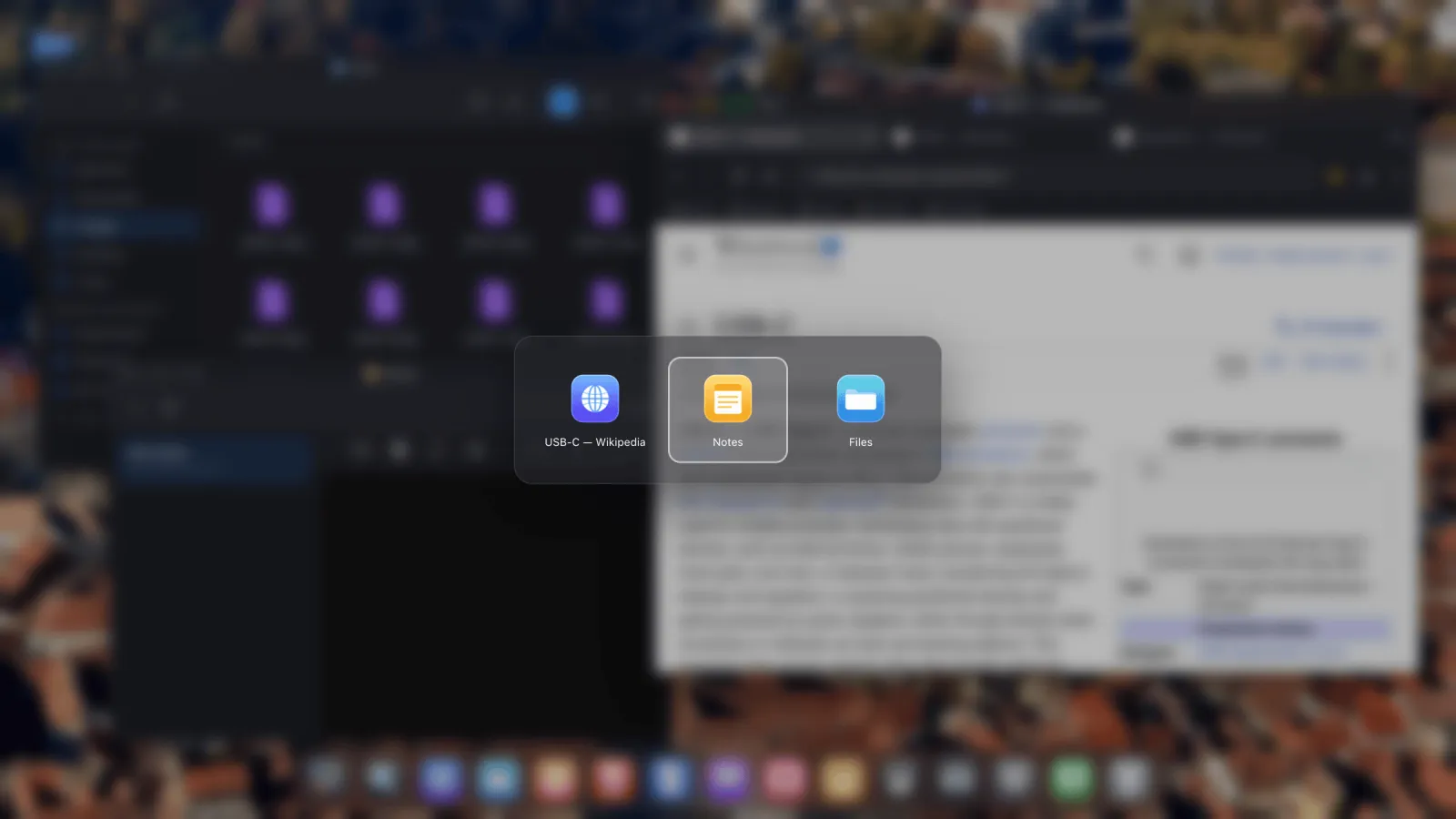
- Mouse, keyboard and shortcuts. Cursor, scroll wheel, ⌘-shortcuts, an app switcher and an overview, all covered in the input guide.
- Sessions that survive a restart, so windows and logins come back where you left them.
Side by side
| Feature | Samsung DeX | XeOS on iPhone/iPad |
|---|---|---|
| Full-screen external display | Yes | Yes |
| Resizable, overlapping windows | Yes | Yes |
| Mouse cursor and keyboard shortcuts | Yes | Yes |
| Desktop browser with extensions-grade features | Yes | Yes, plus a built-in ad blocker |
| File manager with external drives | Yes | Yes, iCloud, phone folders and USB drives |
| Your other phone apps on the big screen | Yes | No, iOS allows no app to host another |
| Video calls with camera and mic | Yes | Yes, through the web clients |
| Runs on iPhone | No | Yes, and on iPad without an M-series chip |
The sixth row is the one that separates them. DeX is part of the operating system, so it can put any installed Android app in a window. No iOS app can do that for another iOS app, and none will until Apple allows it. What XeOS gives you instead is its own environment plus the entire web, which for desk work covers most of what people open.
Getting started
- Connect the display. USB-C to HDMI on iPhone 15 and later, a Lightning Digital AV Adapter on older models, or AirPlay if you'd rather go wireless.
- Open XeOS with the screen connected. It takes the display over in landscape at the resolution you choose.
- Pair a Bluetooth mouse and keyboard in iOS Settings › Bluetooth. The cursor appears on the external screen, and typing goes to whatever window has focus.
- Put the sites you use in the dock so they open as apps rather than tabs.
One thing to know up front: a few embedded page controls, consent banners and some sign-in and payment frames, are deliberately hardened against programmatic input and won't take a click from the external screen. The grey button next to the traffic lights hands that page to the phone for one tap and sends you straight back. Explained here.
XeOS: External Display Browser turns an iPhone or iPad into a full desktop on any monitor, TV or projector.
Common questions
Will Apple ever ship a native desktop mode?
Unfinished code for something Stage-Manager-shaped turned up in iOS 26.1 and was closed off again in the 26.2 betas. Nothing has shipped since.
Does it need a recent iPhone?
No. Any iPhone that can output video works, going back to the Lightning models, and so does any iPad, including ones Apple never gave Stage Manager to.
Can I run two windows side by side?
Yes, that's the point of it. Windows move, resize, stack and remember where they were.
Do I have to use a mouse?
No. Without one the phone's screen becomes a trackpad. With one it feels like a computer.
More from the blog
Try XeOS: External Display Browser
Full screen on any external monitor, TV or portable display. No black bars. Download on the App Store.